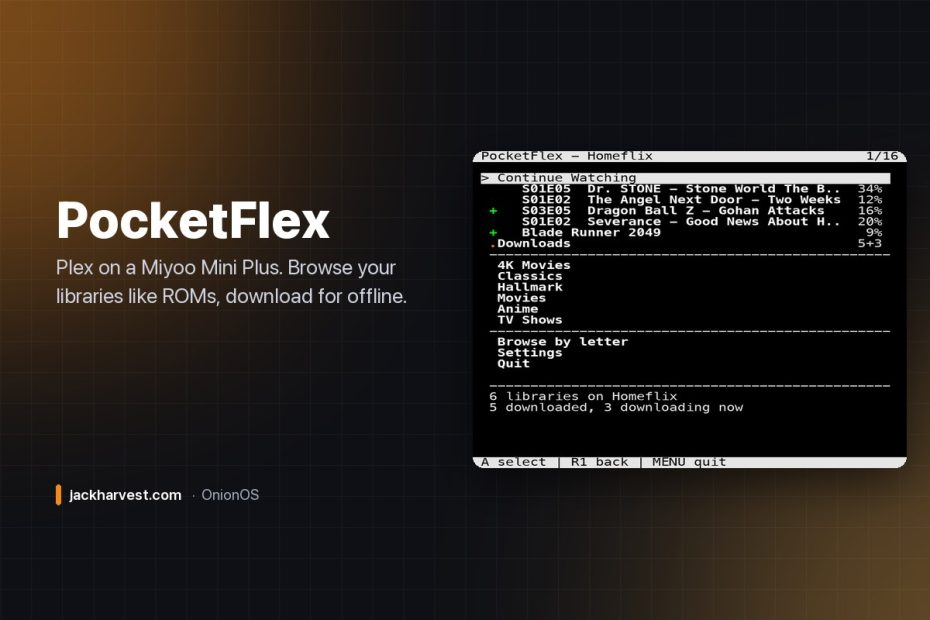

The Miyoo Mini Plus is a wonderful little retro handheld. It also has Wi-Fi, a nice screen, and a copy of ffplay sitting on the card doing nothing. So: Plex.
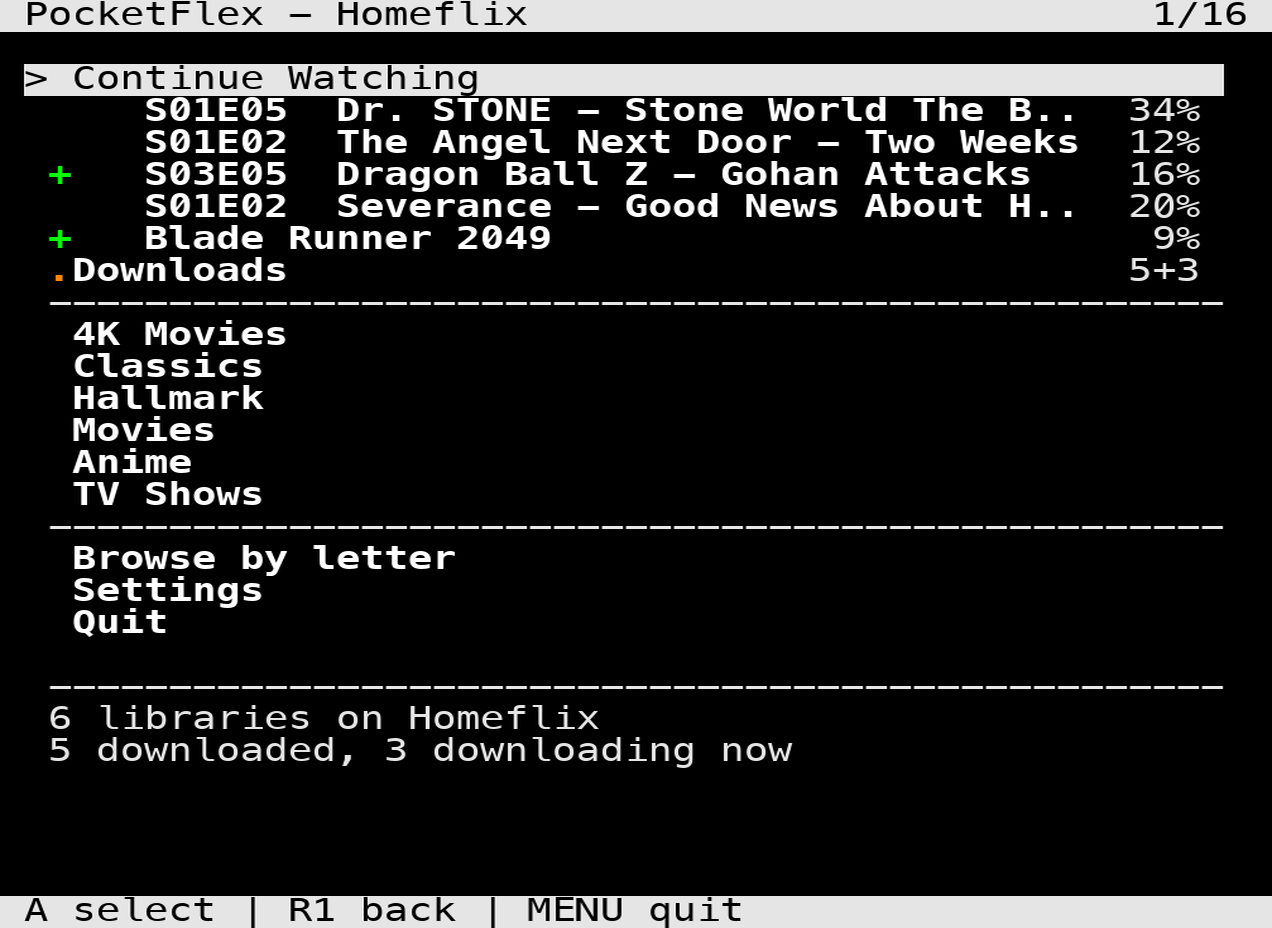
PocketFlex browses your Plex libraries the same way you browse ROMs, and hands playback to that ffplay. No artwork, no grid, no launcher — just lists, which is the only thing that stays fast on 128 MB of RAM. And you can save films and episodes to the SD card and watch them with the Wi-Fi switched off, which is really the reason to want this on a handheld at all.
What you need
- A Miyoo Mini Plus. The Wi-Fi is not optional, so the original Mini won’t work.
- OnionOS — built and tested against 4.3.1.
- A Plex server you can reach, and an account to sign into.
Nothing gets compiled and nothing gets installed onto the firmware. PocketFlex is shell scripts calling binaries OnionOS already ships (st, ffplay, curl, jq), so there’s nothing to undo — delete the folder and it’s gone.
Install
- Download the zip from the latest release.
- Power the handheld off and put the SD card in your computer.
- Unzip it and copy the
PocketFlexfolder into the App folder on the card (keep the name — the menu icon is referenced by full path). - Put the card back, boot up, and find PocketFlex under Apps.
First launch shows a four-character code. Type it in at plex.tv/link on your phone and the handheld picks it up within seconds. Multiple profiles? You get a chooser, PIN pad and all.
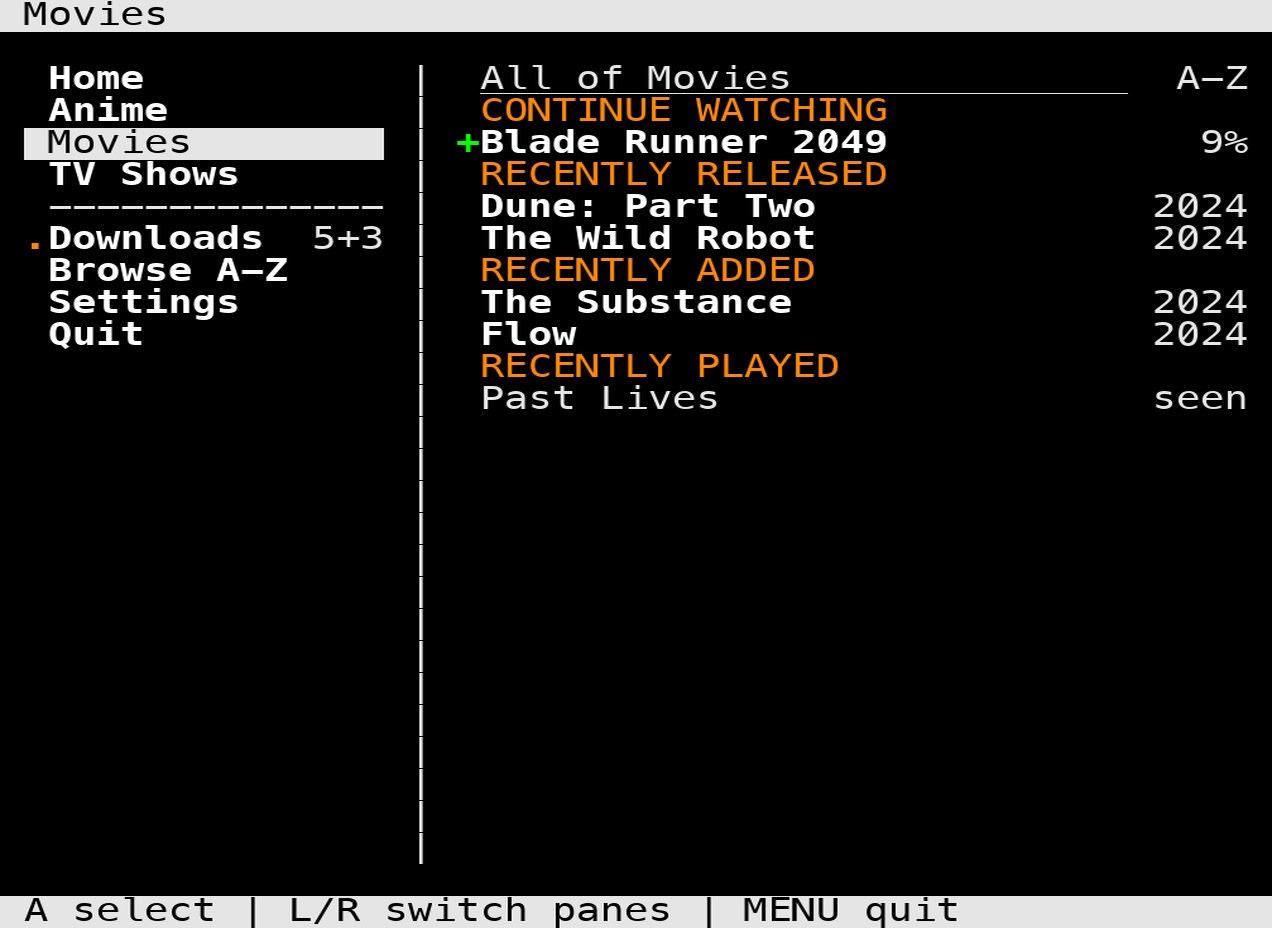
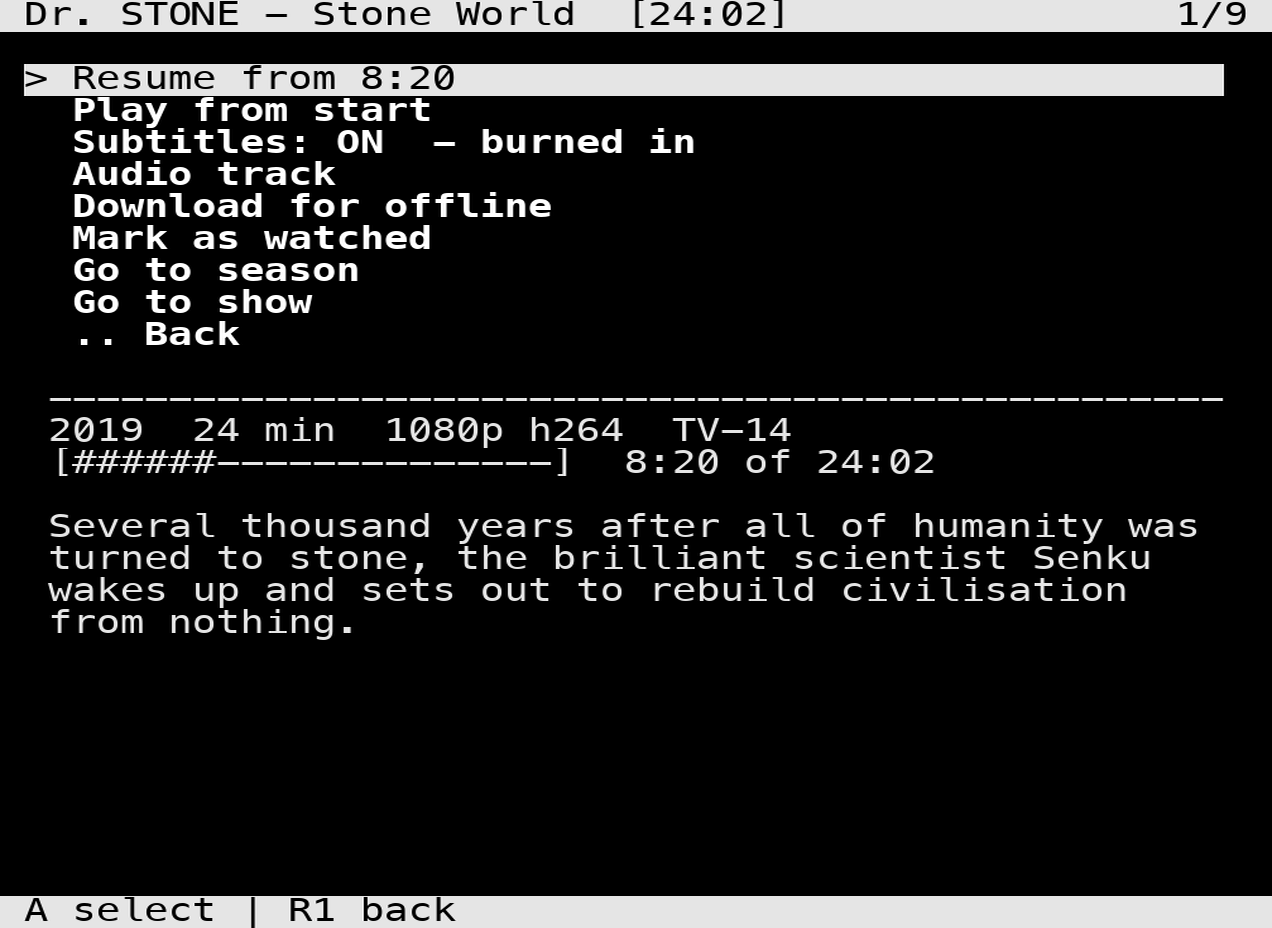
What it looks like
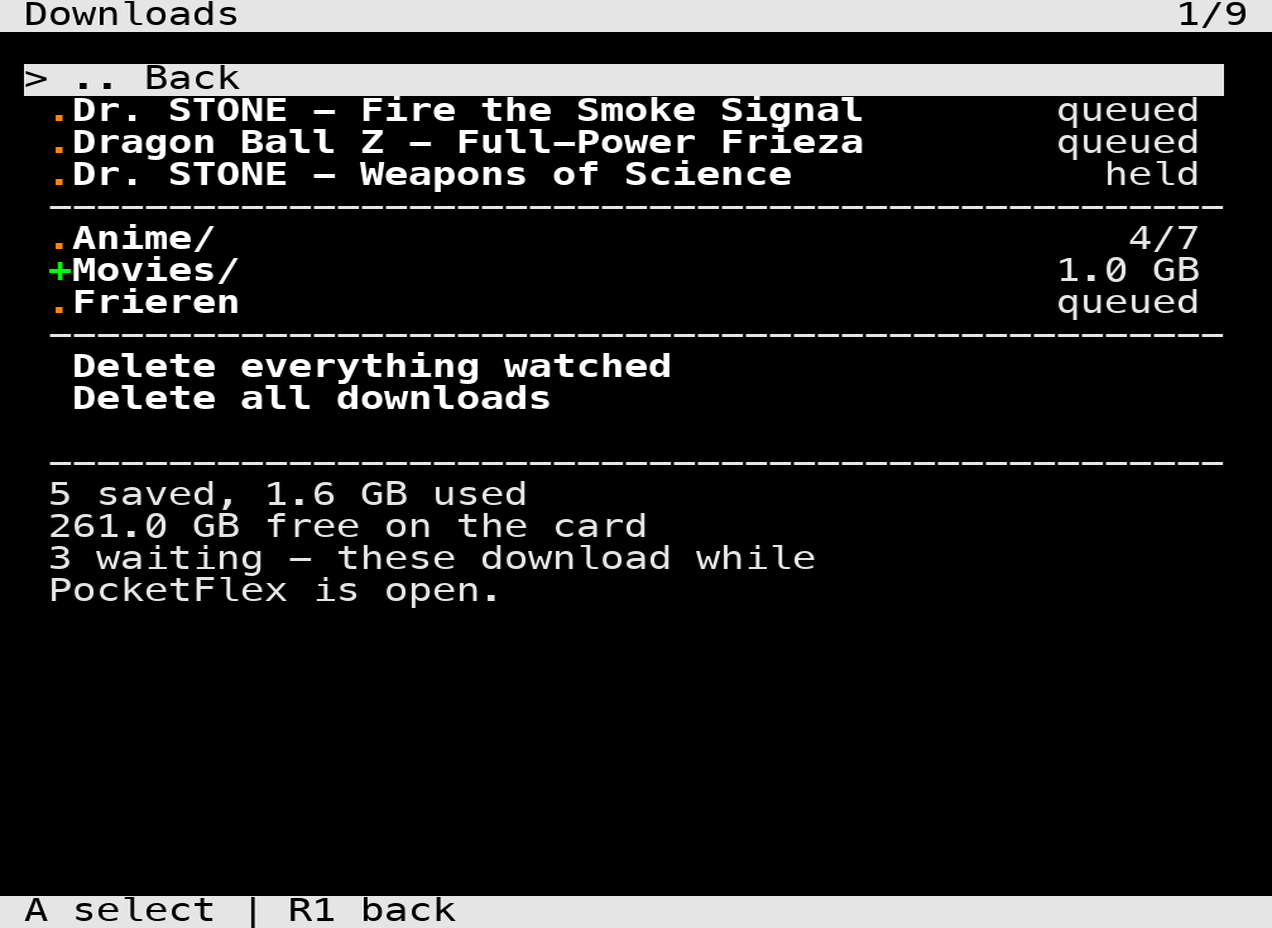
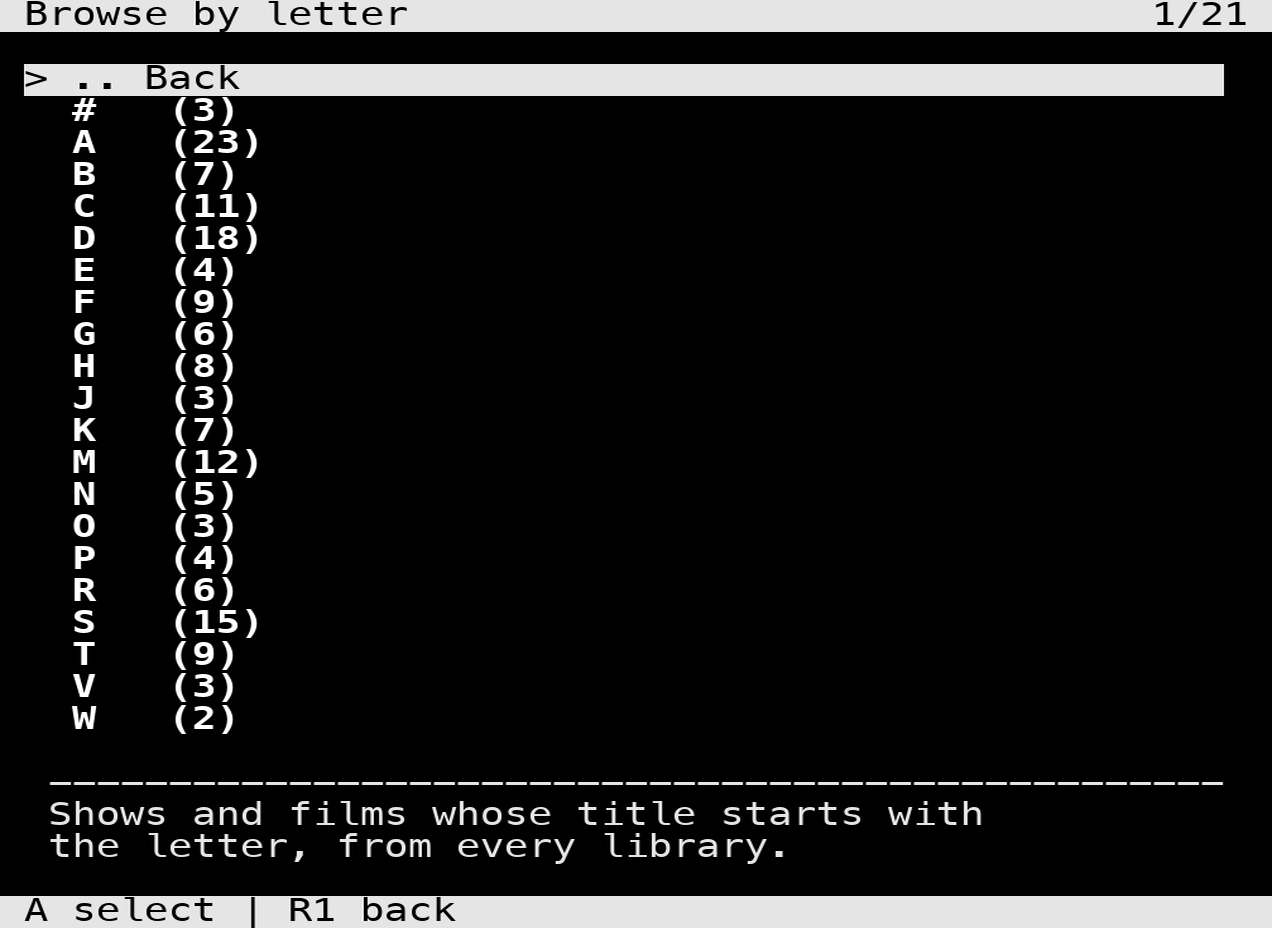
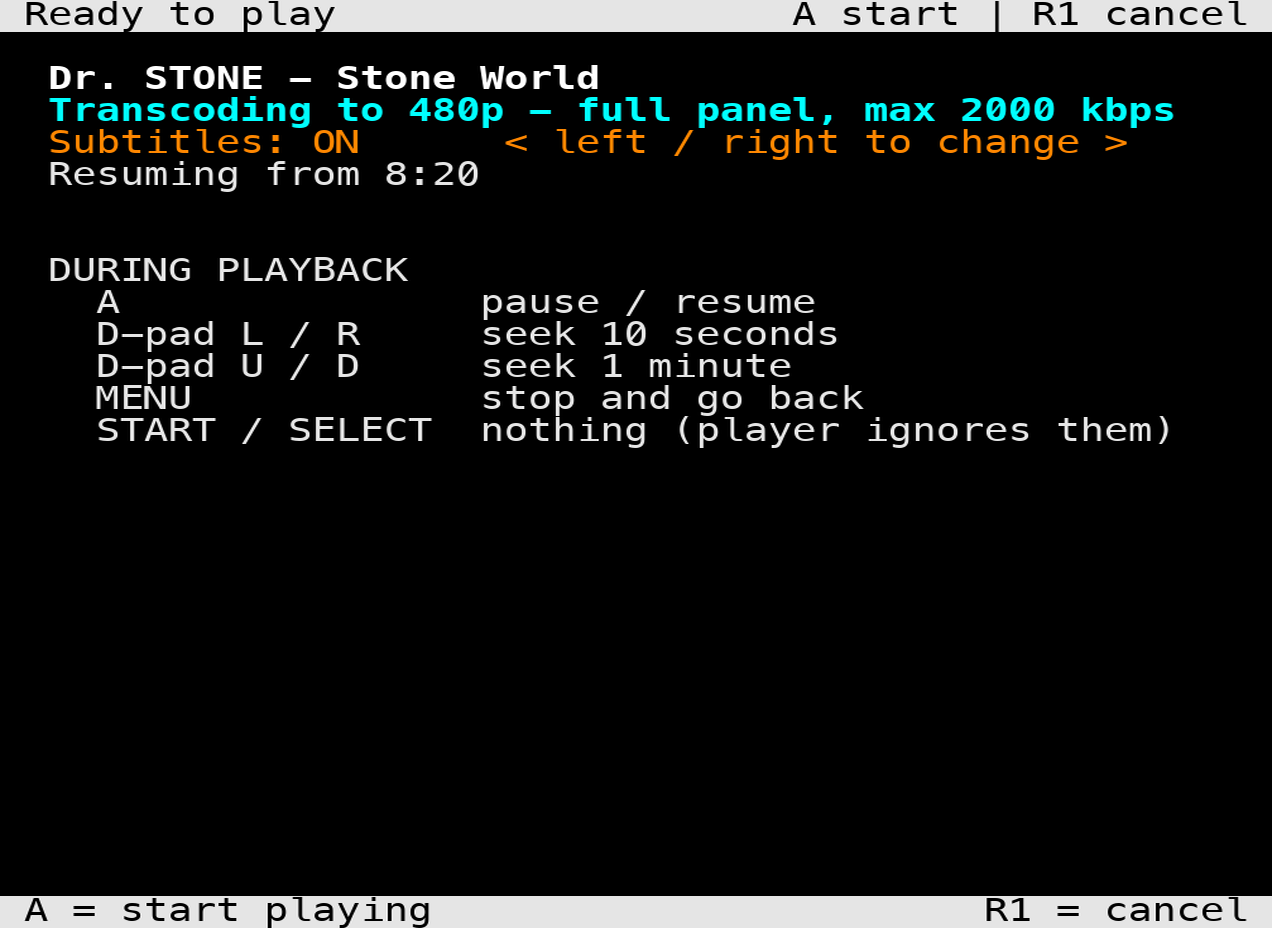
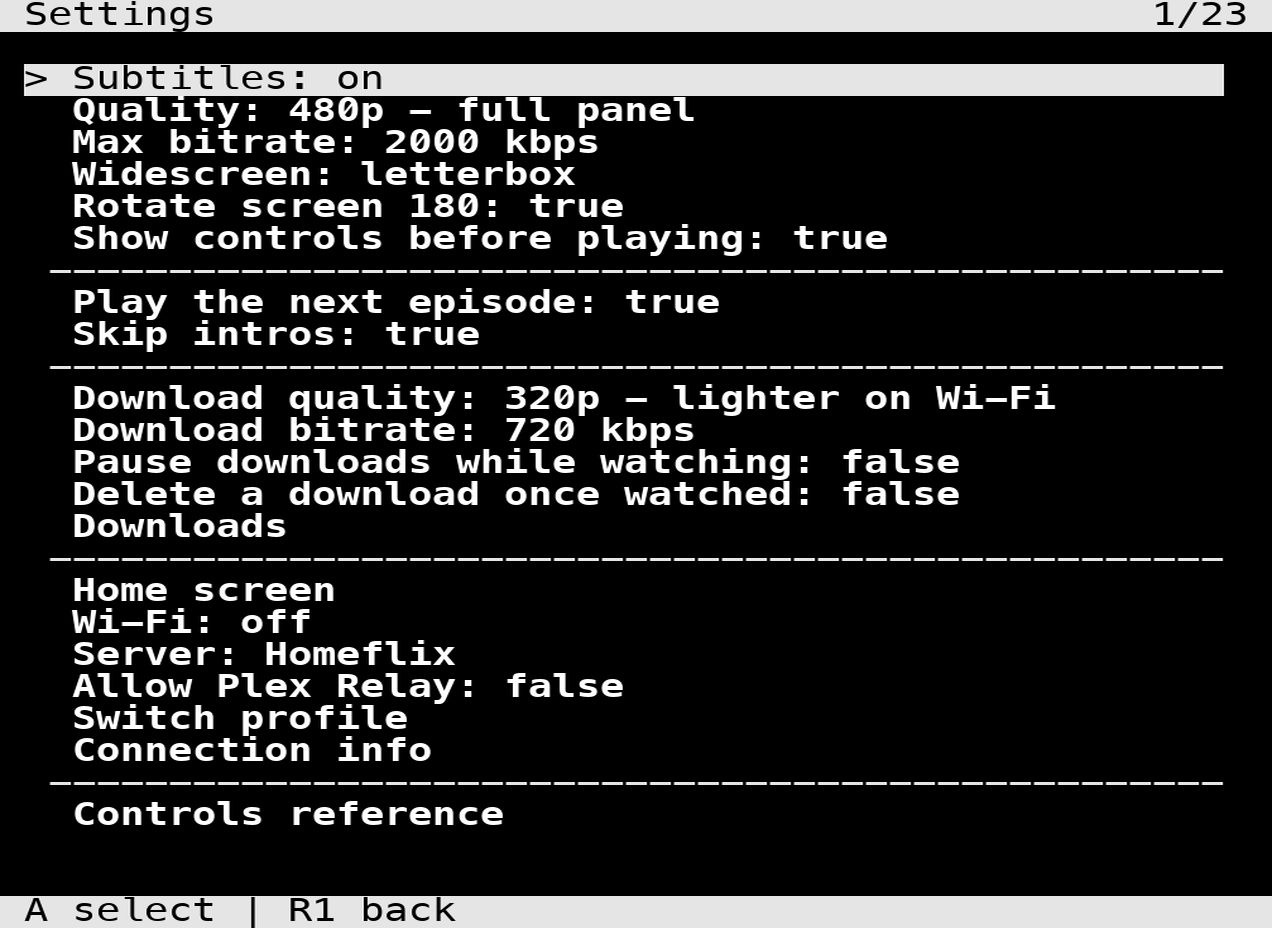
Downloads
Save a film, an episode, or a whole season, then watch with the radio off. If the server can’t be reached at startup, PocketFlex opens on your downloads rather than giving up. A 24-minute episode came out at 53 MB and took 26 seconds to pull down — they’re transcoded on the way in, because the original would neither fit on the card nor decode on this chip.
Two things to know: downloads only run while PocketFlex is open (a background download holding the Wi-Fi up with nothing on screen would be a mystery battery drain), and they can’t be resumed, because the server sends one continuous stream.
Why B doesn’t go back
This one catches everybody. On this device B, X, Y and SELECT are wired to bare modifier keys — and a terminal receives nothing at all when you press a bare modifier. Not a key, not a byte. There’s no binding to fix, because nothing arrives. So Back lives on R1 and SELECT, and every list keeps a .. Back row so you’re never stuck.
Everything is transcoded (and the audio trap)
Direct play never worked here — ffplay would exit after a second or two on anything. So it’s 480p (full panel) or 320p, both panel-sized. Audio is forced to stereo, which sounds like a detail and isn’t: this ffplay opens a stereo device, and handed 5.1 AAC the audio stalls and drags the video clock with it. The film plays at half speed, silently, and looks exactly like a transcode that didn’t happen. Subtitles are burned in by the server, since there’s no libass here.
Everything else it does
- Continue Watching, movie and show libraries, seasons, episodes — plus Go to season and Go to show from any episode
- Automatic server detection on your LAN
- Audio track selection, written back to your account
- Autoplay the next episode and skip intros using your server’s chapter markers
- Watched state and resume points reported back to Plex
- Battery percentage on every screen, and Wi-Fi on/off from inside the app
PocketFlex is the older sibling of FlipFlex, which does the same job on a flip phone — this is where the Plex protocol knowledge came from. MIT licensed.
Free and open source, and it’s staying that way. If it saved you some time, you can buy me a coffee.