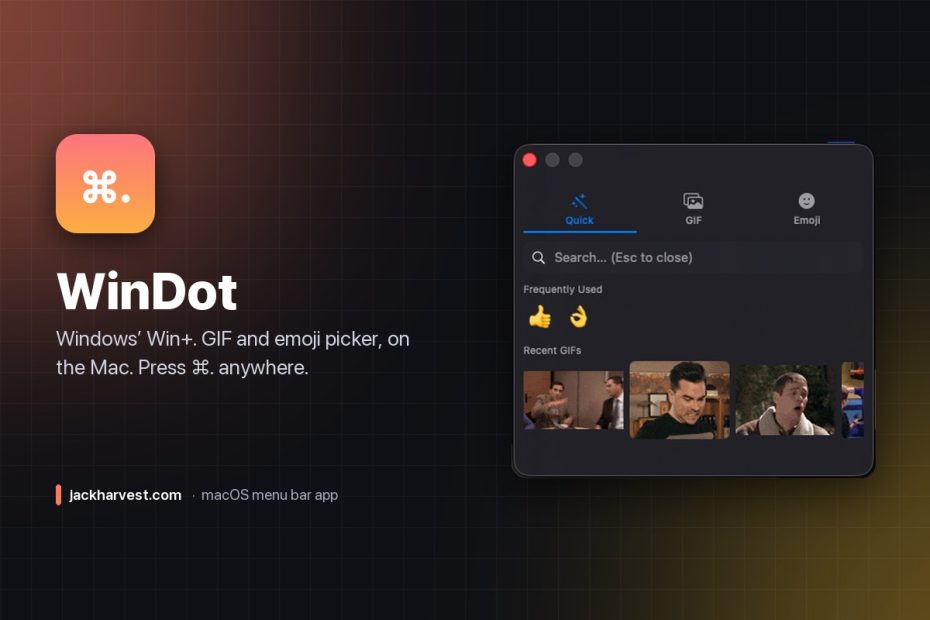

macOS ships a native emoji picker (⌃⌘Space), but nothing for GIFs. Windows has had one built in for years: Win+. Meanwhile Teams, Signal, and most of the web have no GIF picker on the Mac at all, so you end up alt-tabbing to a browser, searching, downloading, and dragging a file in like it’s 2009.
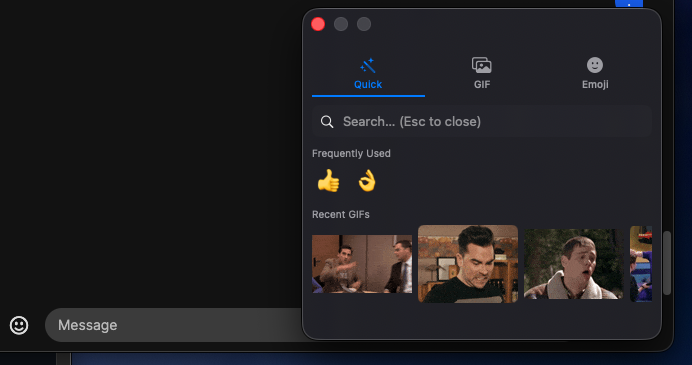
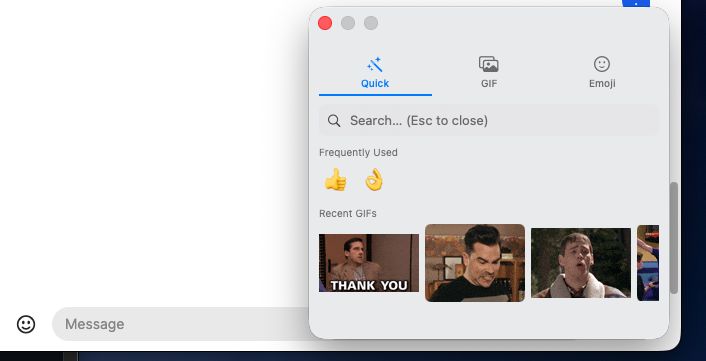
WinDot brings the Windows workflow over. Press ⌘. anywhere — Slack, Messages, Teams, Discord, a browser, Reddit, whatever you’re typing into — and a small panel pops up right at the corner of your window, ready to search GIFs, pick an emoji, and paste it in for you.
Features
- ⌘. global hotkey, matching Windows’ Win+. muscle memory
- Quick tab: frequently-used emoji and recent GIFs in one view, fully keyboard-navigable (arrows + Enter, Esc to close)
- GIF tab: live GIPHY search with infinite scroll and animated previews
- Emoji tab: about 250 curated emoji across categories, with usage-ranked “Frequently Used”
- Docks itself to the bottom-right corner of whichever window you called it from, and refocuses that app when it closes
- Clipboard-safe: it snapshots your clipboard, pastes, then puts your original clipboard back
- Light/Dark/System appearance, a configurable default tab, and launch at login
Installing
Download the DMG from Releases and drag WinDot into Applications. It isn’t notarized, so right-click → Open the first time. macOS will then ask for Accessibility access, which WinDot uses to find the window you’re typing into and dock itself to its corner — skip it and it still works, it just opens near your mouse instead.
GIF search needs a free GIPHY API key; WinDot walks you through pasting one in on first use. Emoji work with no key at all. Requires macOS 13 Ventura or later.
How it works
WinDot registers ⌘. as a global hotkey via Carbon’s RegisterEventHotKey, reads the frontmost window’s frame through the Accessibility API to position a borderless panel, and on pick, snapshots your clipboard, writes the GIF or emoji to it, synthesizes ⌘V into the app you were in, and restores your clipboard a moment later. GIF search goes to GIPHY; everything else — emoji data, usage ranking, recent GIFs, your API key — stays on your Mac. No telemetry. MIT licensed.
Tip: WinDot is ad-hoc signed, so updating to a new version can silently invalidate the Accessibility permission (it still looks checked in System Settings). If the panel stops docking to your window, use Reset Accessibility Permission in the menu bar menu.
Free and open source, and it’s staying that way. If it saved you some time, you can buy me a coffee.