
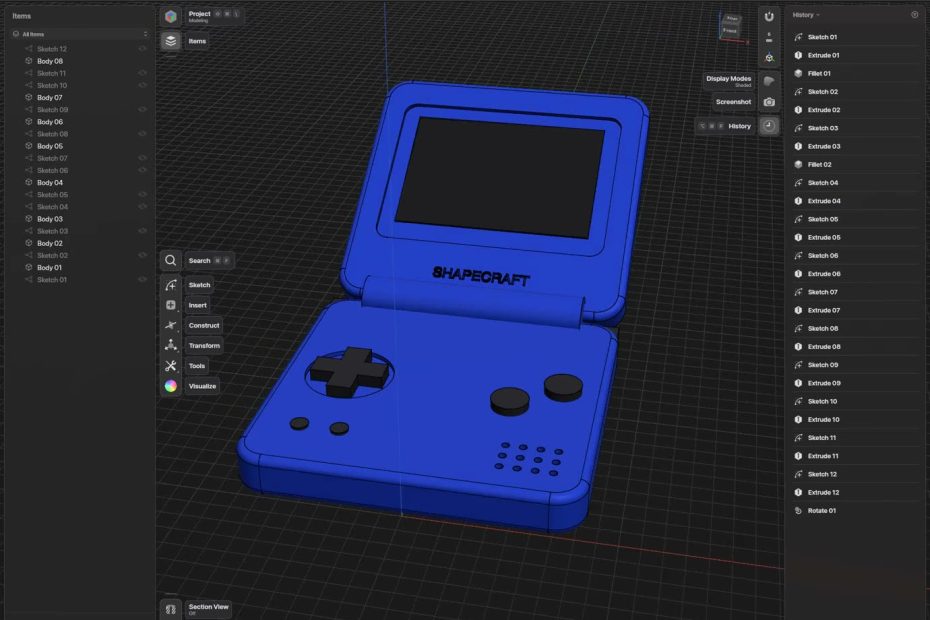
I’ve been an applications engineer for more than twelve years, and a lot of those years were spent in CAD. The tools I like best are the direct modelers: draw a shape, grab a face, pull it. No feature tree to babysit and no dialog for every move. The catch is that they’re all subscriptions now, most of them want an account and a cloud, and Linux usually isn’t invited.
So I built one. ShapeCraft is a free, open-source direct-modeling CAD app for macOS, Windows and Linux. Your projects stay on your computer. There’s no account, no seats, no limits, and it opens the files you already have. It’s an alpha, but it’s real: I’ve been designing actual parts with it.
Sketch it, pull it, round it off
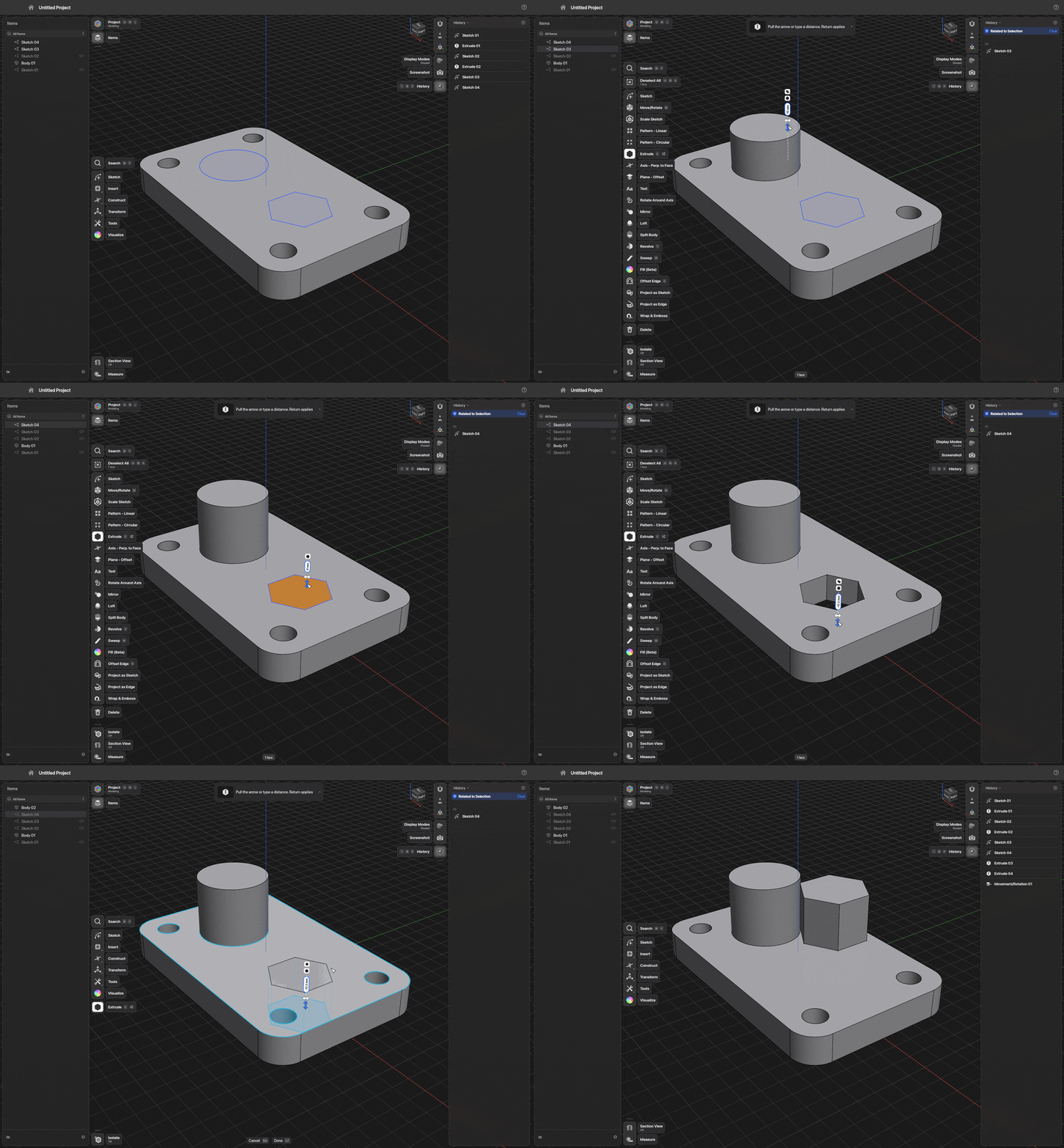
Draw a profile, and type a size whenever you like: you never have to stop and open a box for it. Then push and pull faces until the part looks right. Fillets, chamfers, shells, booleans, patterns and the rest are all where your hands expect them, with a small card on the canvas holding every setting.
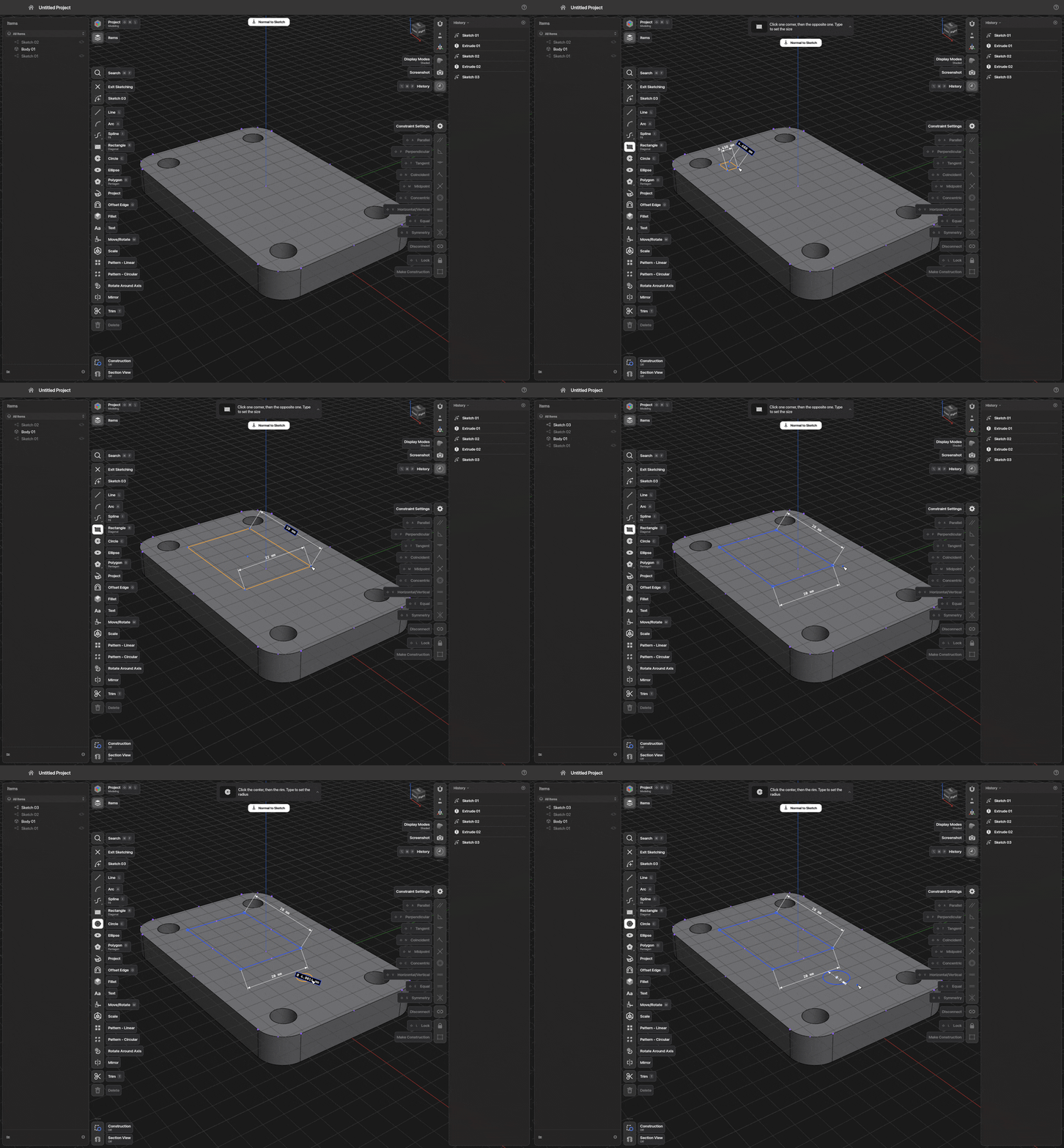
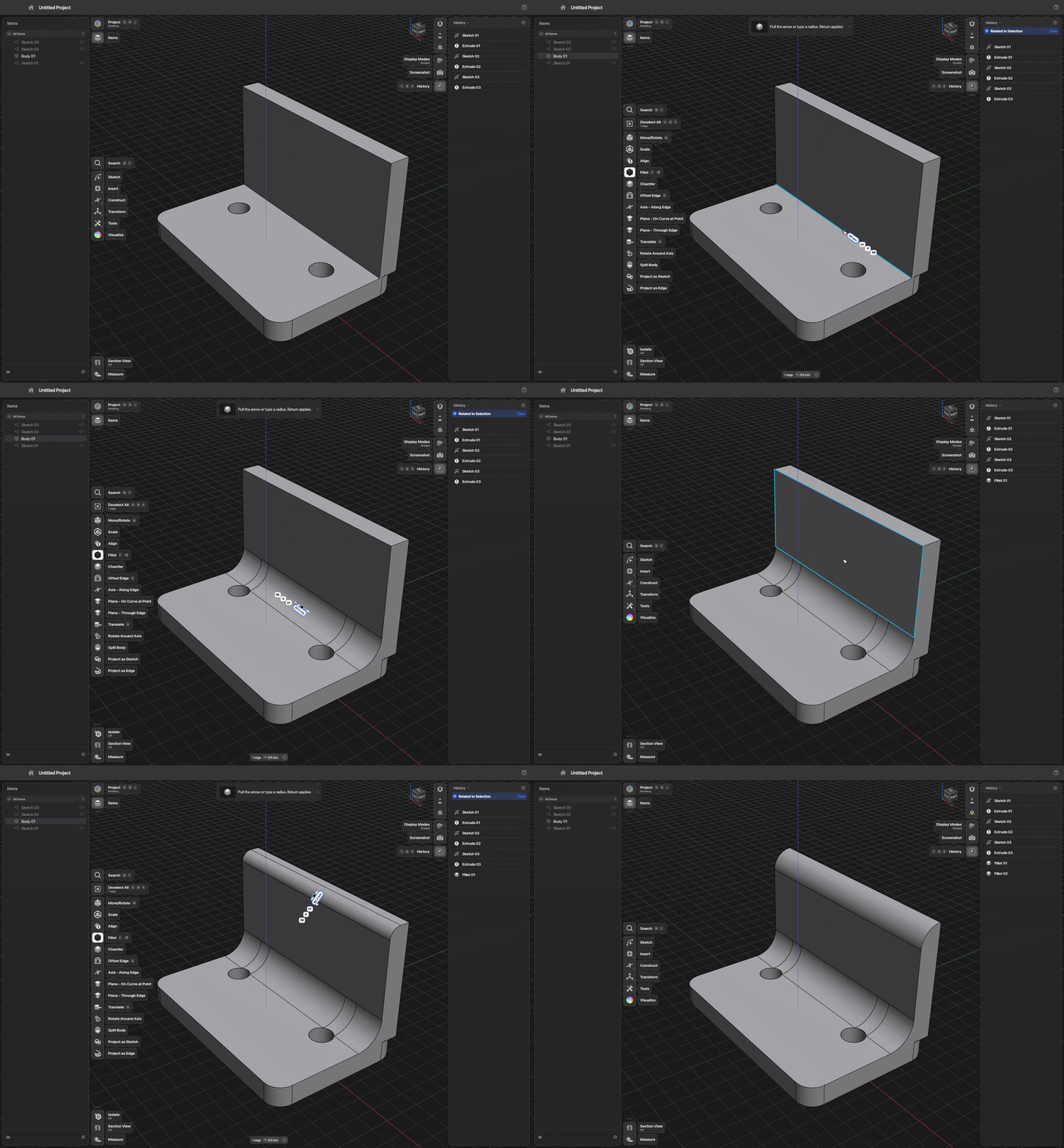
- Sketching: lines, arcs, splines, rectangles, circles, polygons and text, with snapping, constraints and driving dimensions.
- Modeling: extrude, revolve, sweep, loft, fillet, chamfer, shell, offset face, booleans, split, mirror, patterns, move and rotate with linked copies, wrap and emboss.
- Looking at it: materials you drag onto bodies, display modes and section views, in light or dark, in eleven languages.
Nothing gets locked in
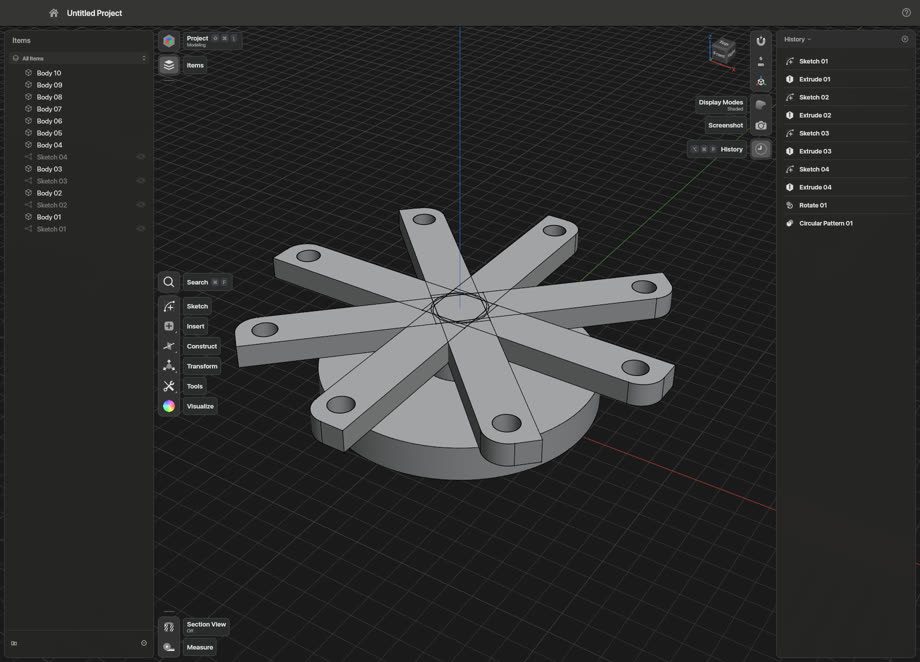
Direct modeling usually means giving up the history. Not here. Every step stays in the History list, and every one of them can be opened again. Change a number and the part rebuilds. Pattern an arm around a hub, go back and rotate the original, and every copy swings with it.
It opens what you already have
STEP, IGES, Parasolid XT, STL, 3MF, OBJ and .shapr projects all open and save. DXF and SVG come in as sketches. Drawings go out as PDF, SVG, DXF or DWG. Projects are plain folders on your disk (a small JSON file plus a STEP file), so you’re never stuck with ShapeCraft just to get your own work back.
It keeps itself up to date
I can’t stand apps that make you go hunting on a website for the next version, so ShapeCraft doesn’t. It checks for a new version when it starts and once a day, downloads it quietly in the background, and checks it against the release’s published checksums. A small note in the corner tells you when it’s ready. When you close the app it asks whether to install it then and there (or you can tell it to just always do that), and it saves your work first. The only thing it ever contacts on its own is its own release page on GitHub, and nothing about you or your projects is sent.
Learn it in about seven minutes
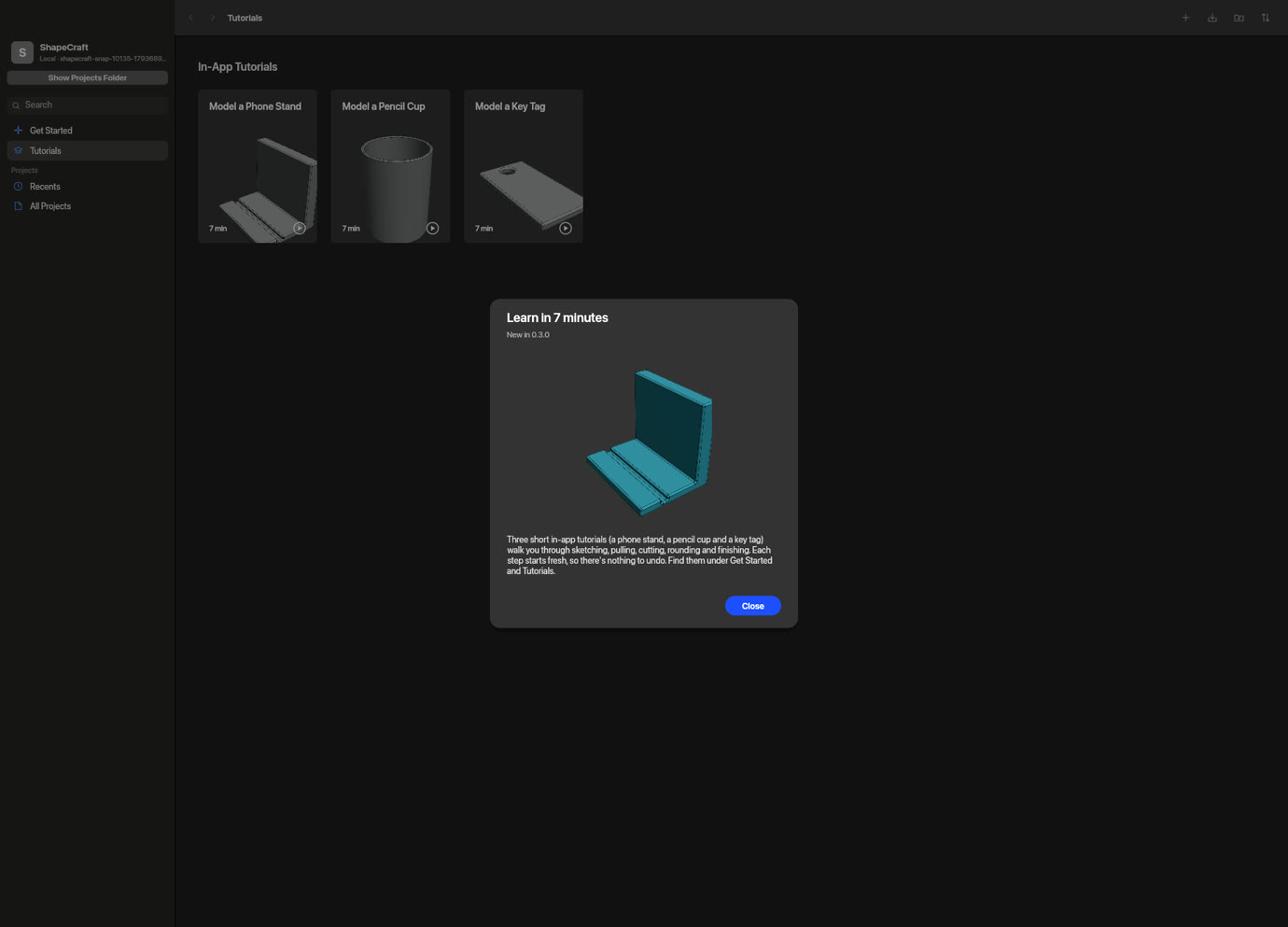
Three short tutorials are built in: a phone stand, a pencil cup and a key tag. Each step starts from a fresh scene, shows only the tools it needs, and lights up Continue when you’ve got it. They’re the fastest way to see how it all hangs together.
For the tinkerers: scripts and AI agents
Every menu item, tool and key in ShapeCraft is a command, and the same commands are reachable from a command-line tool, a JSON control channel and a built-in MCP server. That means an AI assistant can model alongside you while you watch, or a script can build and render parts with no window at all.
Getting started
- Grab the download for your computer from the ShapeCraft page: a disk image for Apple silicon or Intel Macs, an installer or portable zip for Windows, and an AppImage or tarball for Linux. Everything it needs is inside.
- First launch: the builds aren’t signed yet, so your computer asks once. On a Mac, open System Settings → Privacy & Security and click Open Anyway. On Windows, choose More info → Run anyway. On Linux, allow the AppImage to run as a program.
- Start a new project, or open a STEP file you already have, and try one of the tutorials.
How it’s made
I’ll be upfront about this: ShapeCraft is one applications engineer working with AI coding agents. The agents write a lot of the code. I decide what gets built and how it should behave, and I check that it’s right: by hand on real parts, with automated tests, and on all three operating systems. It’s written in Rust, and the geometry runs on Open CASCADE, the open-source kernel behind a lot of serious CAD software.
Known gaps
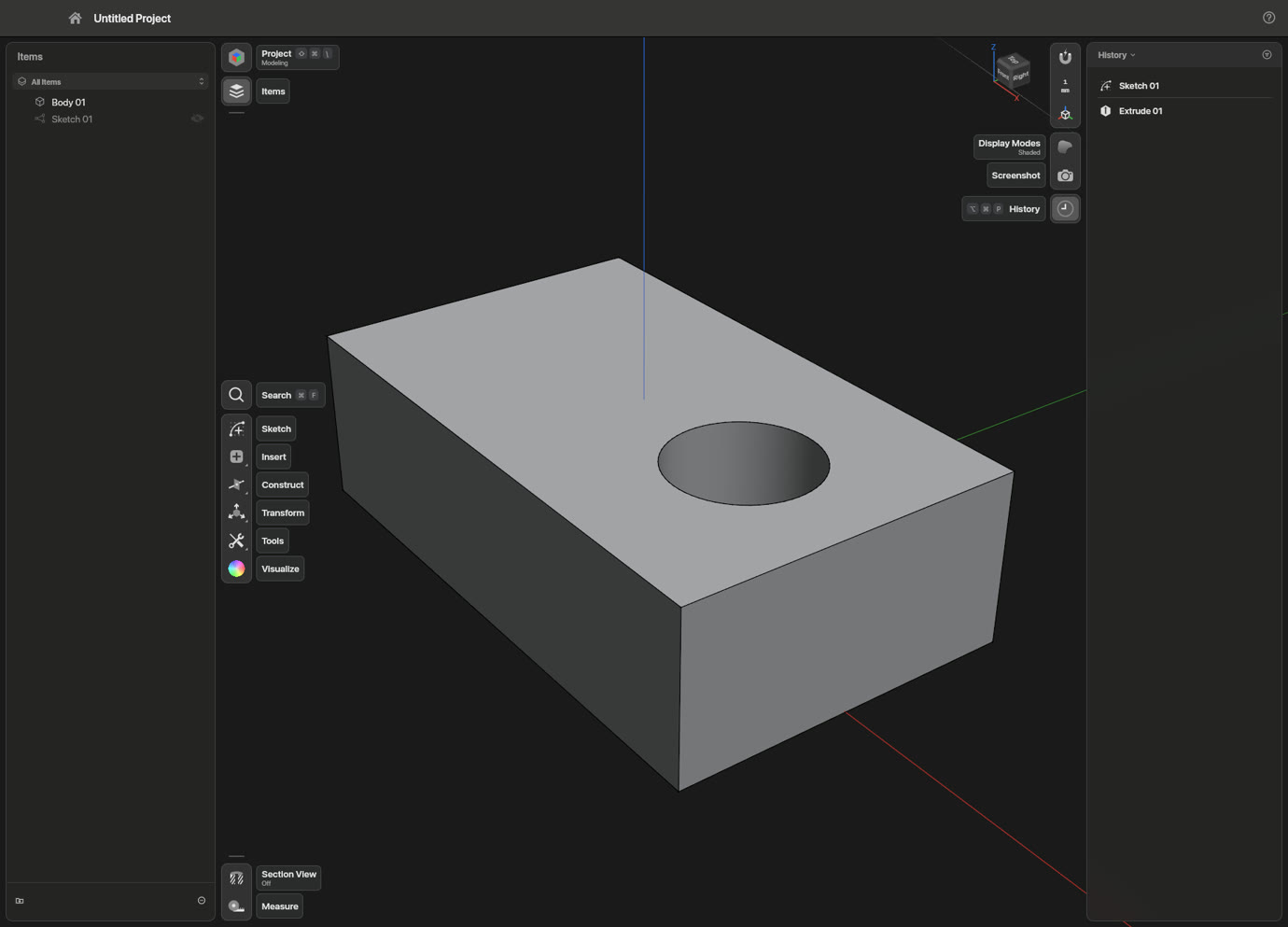
- It’s an alpha. Keep copies of anything important, and check anything you’re going to manufacture.
- The downloads aren’t code-signed yet, hence the one-time warning on first launch.
- iPad and iPhone, Android tablets, a browser version and a Proxmox container are all in the works but not ready. What people tell me about the desktop apps decides what comes first.
Found a bug or want something added? Open an issue on GitHub; that’s where I read everything.
ShapeCraft is MIT or Apache-2.0, your pick. Open CASCADE is LGPL-2.1 with its exception and ships alongside it. ShapeCraft is independent: it isn’t affiliated with, sponsored by or endorsed by Shapr3D or any other CAD vendor, and the .shapr format is named only because ShapeCraft can open and save it.
Free and open source, and it’s staying that way. If it saves you a subscription, you can buy me a coffee and help me prove my wife wrong about how much time I spend on this.
Sketch it, pull it, print it. That’s the whole idea.