Games on a Mac end up scattered across half a dozen launchers: native titles, Steam, Epic, GOG, the Mac App Store, and Windows games running through CrossOver. On Windows, Playnite pulls all of that into one place. On the Mac there was nothing like it.
So I made Marquee: a console-style game launcher that finds every game you own and puts it on one beautiful, couch-friendly shelf. No manual list-building, ever.
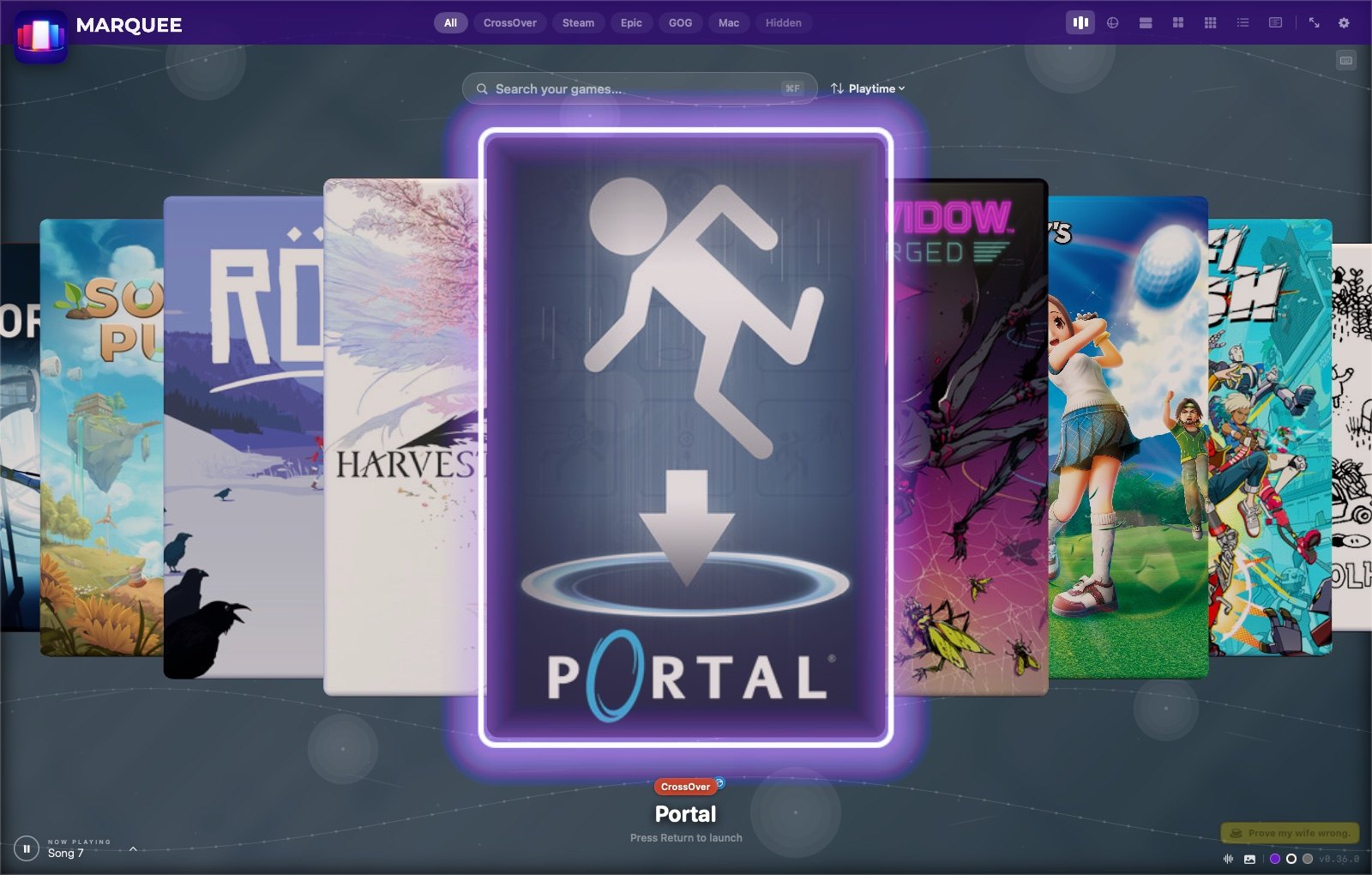
Seven ways to look at your library
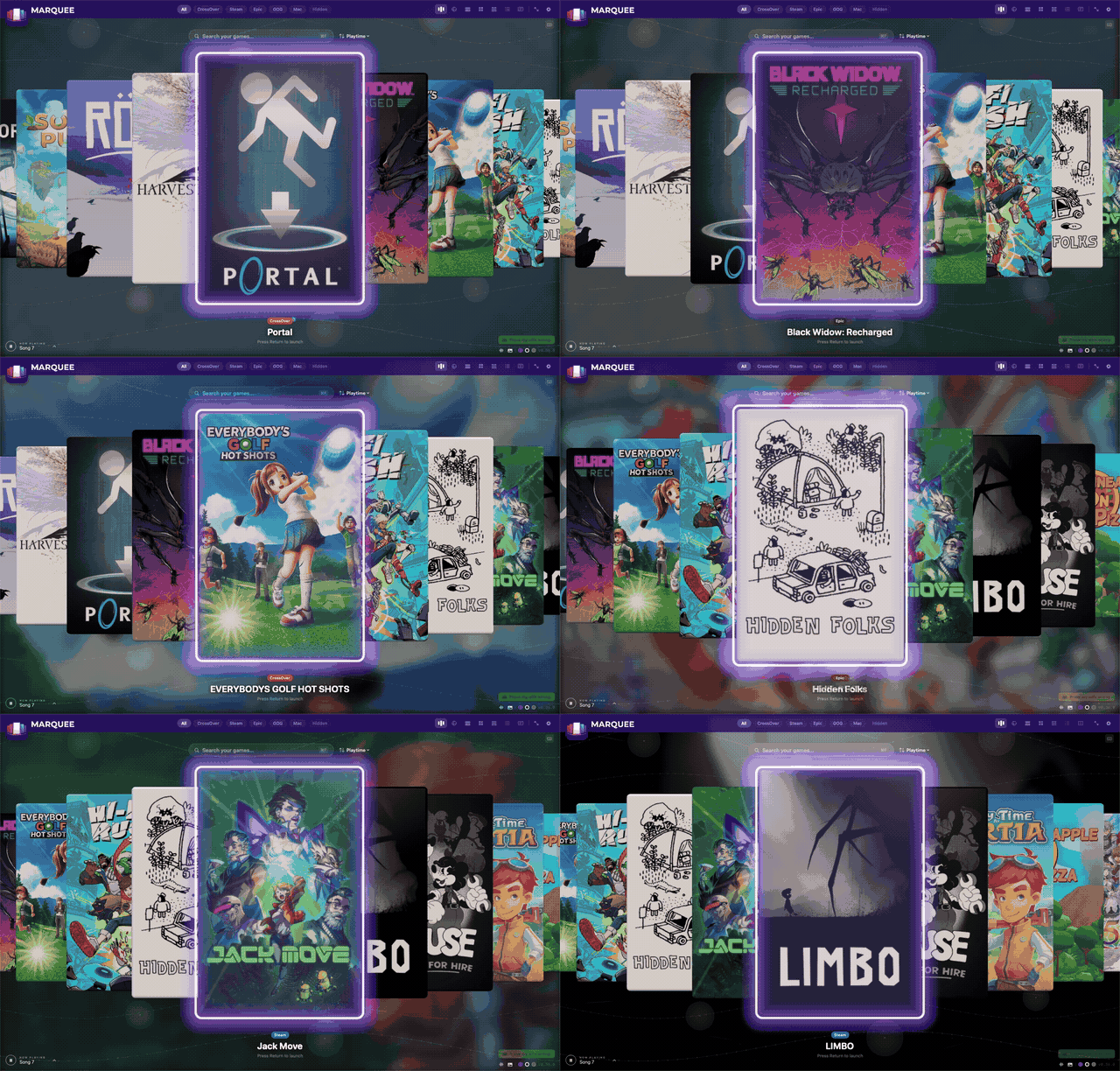

Carousel, Rainbow Slide, Big, Grid, Wall, List and Compact List, on ⌘1 through ⌘7.
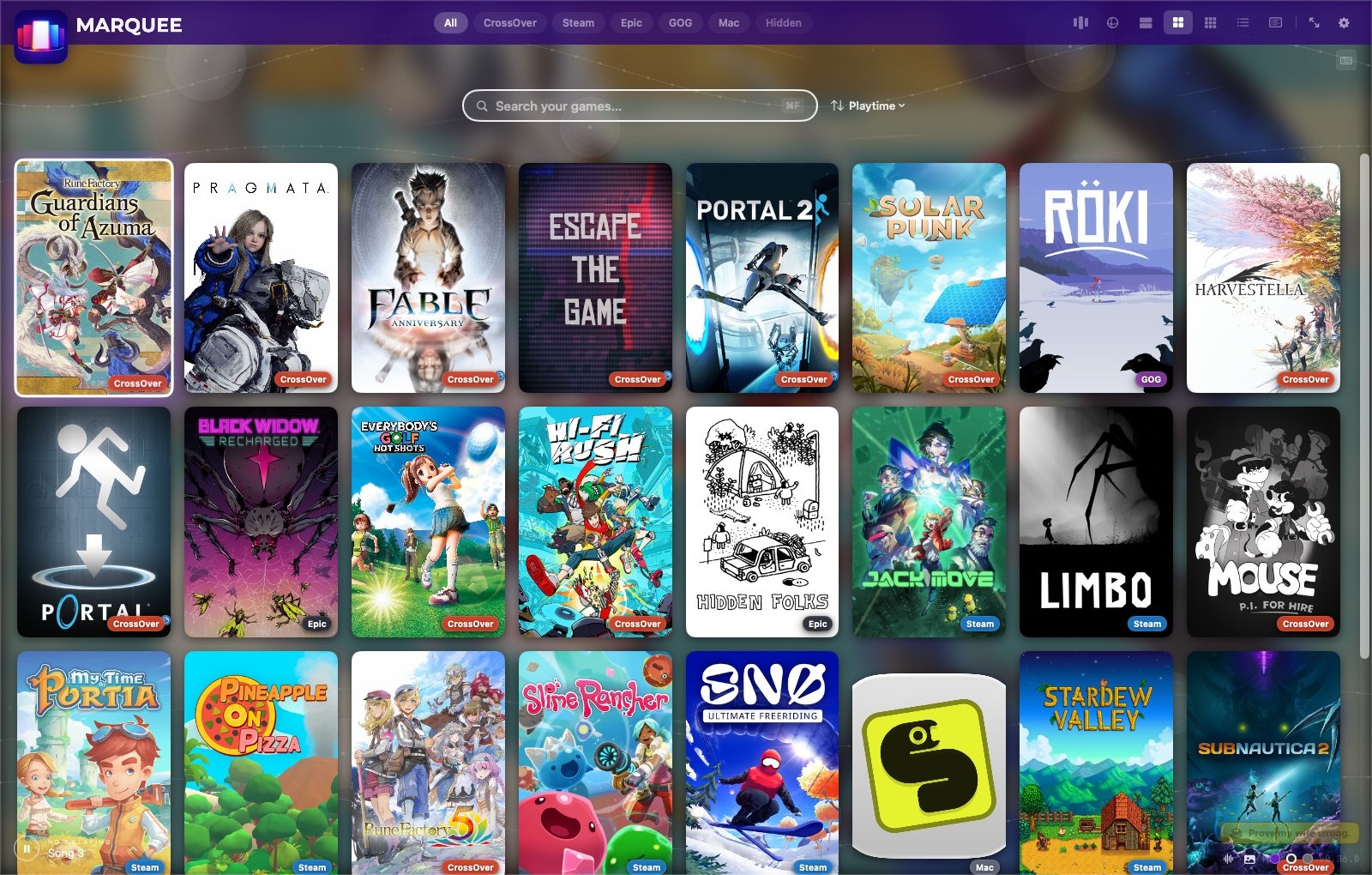
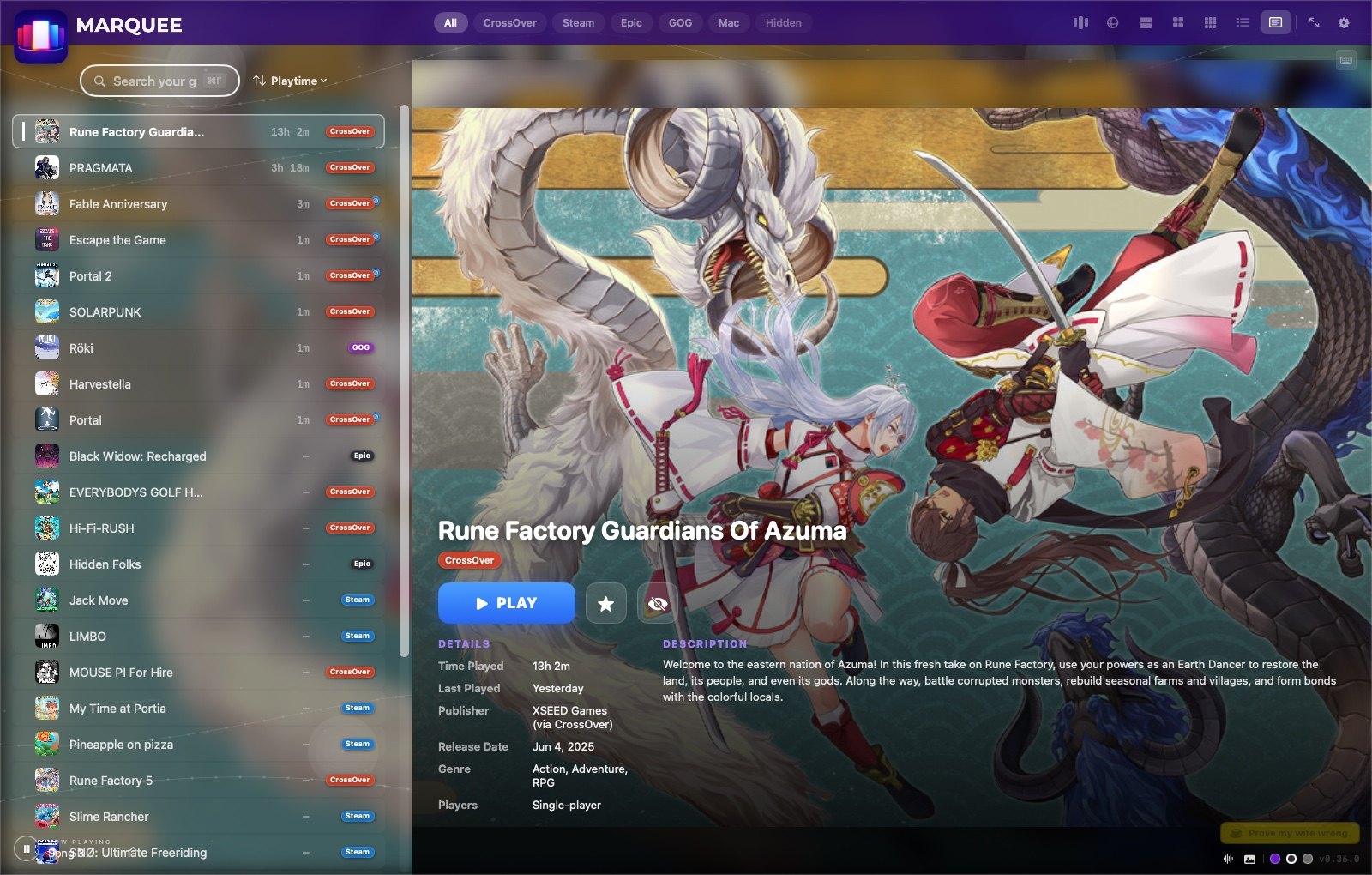

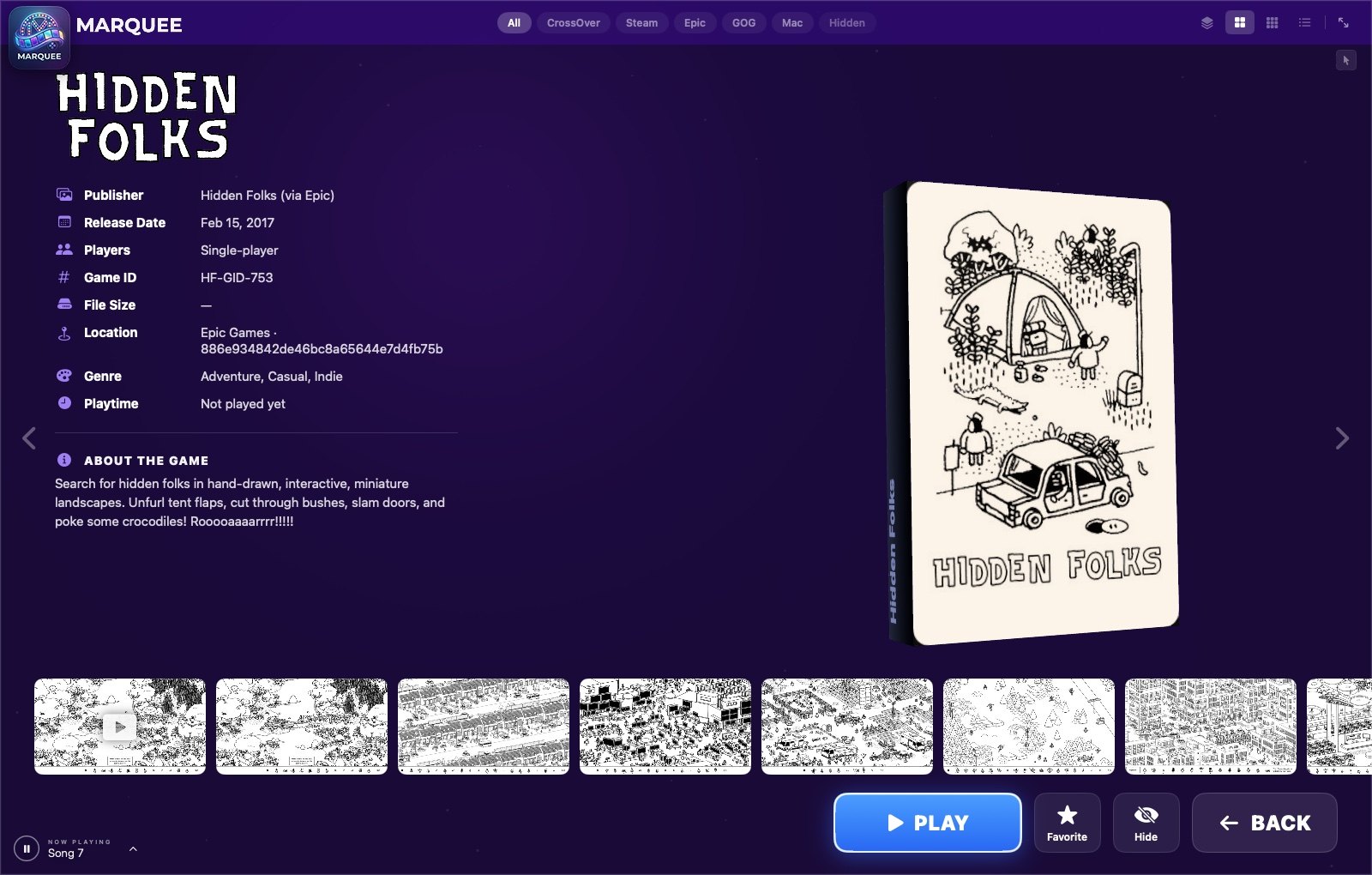
Highlights
- Every store, found automatically — CrossOver bottles, Steam, Epic, GOG and the Mac App Store, each detected its own way (Start Menu shortcuts,
.acfmanifests, bundle markers). - Bring your own library — drag any app or
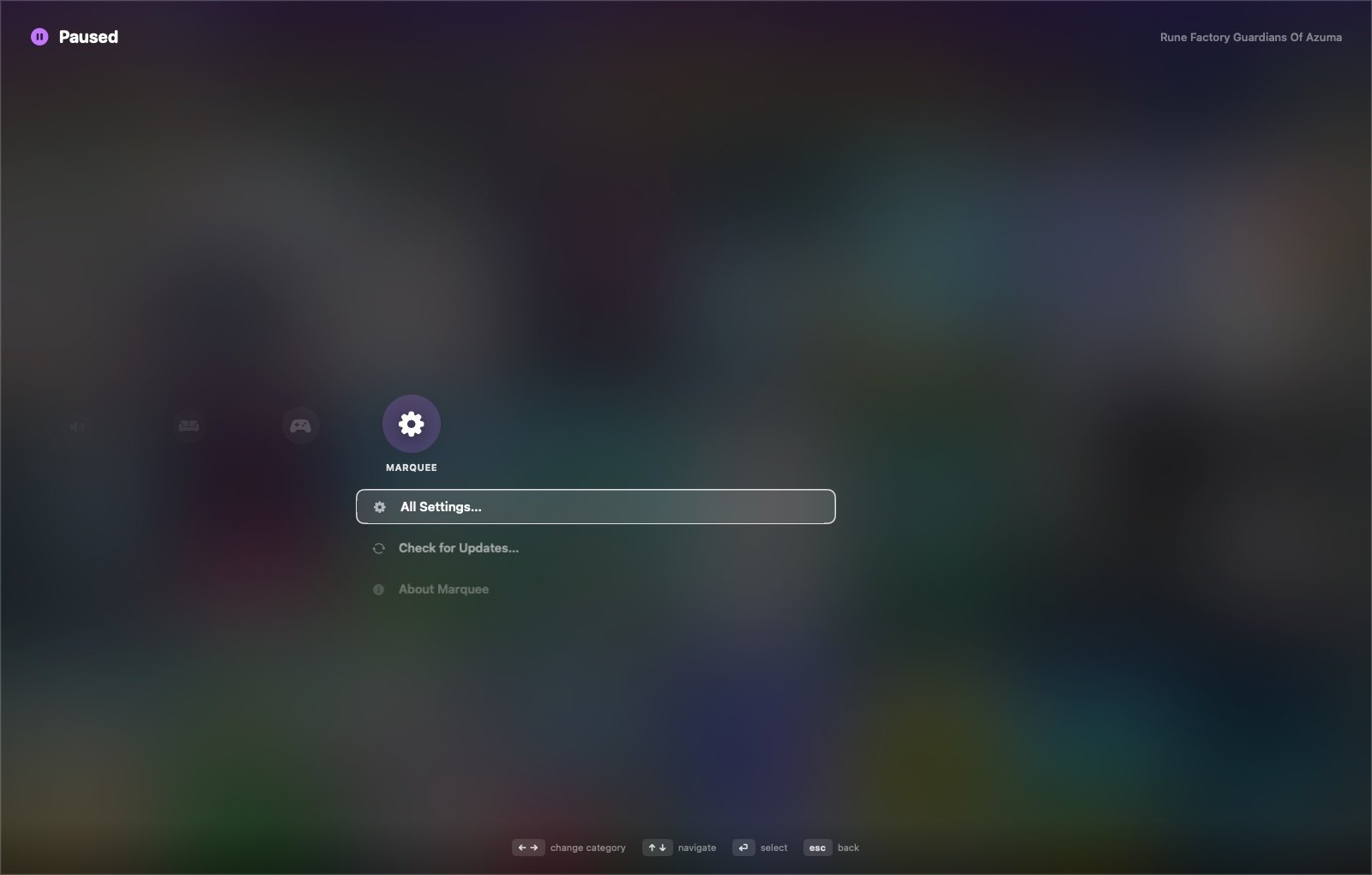
.exeonto the window (Plex, emulators, anything) and remove it just as easily. - A console-style pause menu — every setting, zero menu bar, controller-first.
- Boots like a console — Launch at Login plus Start in Full Screen.
- Updates itself from its GitHub releases, no terminal required.
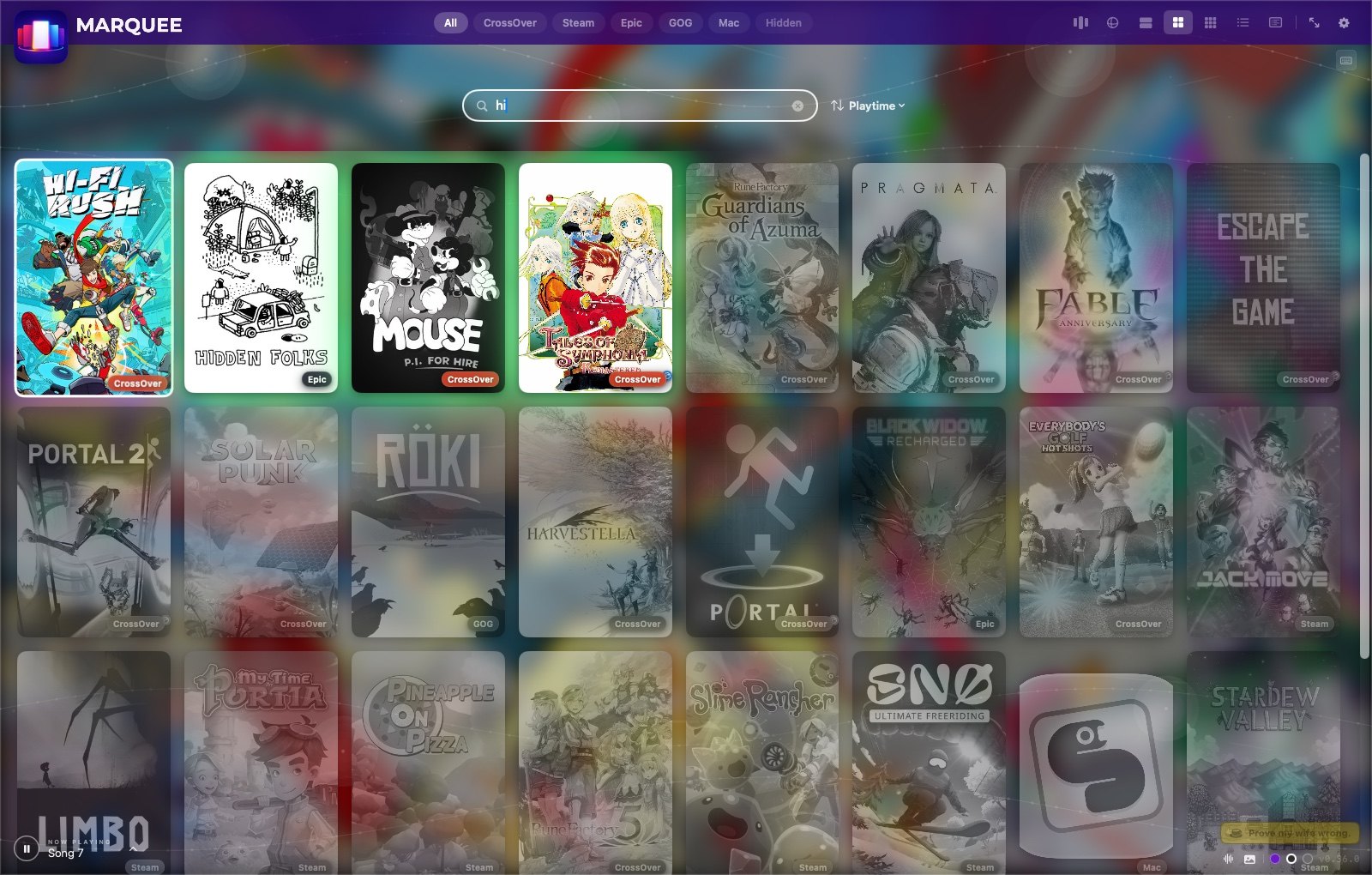
- The small stuff, done — real playtime tracking, smart sort, live search, cover art that looks right, and an ambient music player.
Couch mode
Pair a controller, turn on Start in Full Screen and Launch at Login in the pause menu, and set the Mac to log in automatically. Power it on and it lands straight in your fullscreen library — no keyboard needed. HDMI and AirPlay setup notes are on the Marquee site.
Private by design
- Reads your game library folders, read-only.
- Writes only its own cover-art cache and settings. It never modifies games or other apps.
- Goes online only for cover art — Steam’s public listings or SteamGridDB, your choice. No account, no analytics, no tracking.
- No macOS permission prompts at all.
Getting started
Marquee is for Apple Silicon Macs on macOS 14 or later. Drag Marquee.app into Applications from the latest release, right-click → Open the first time (it isn’t notarized), and a short setup walks you through the rest. Or build it yourself with make run — no Xcode project needed. MIT licensed.
If Marquee makes your Mac gaming life nicer, you can buy me a coffee ☕ — and prove my wife wrong.