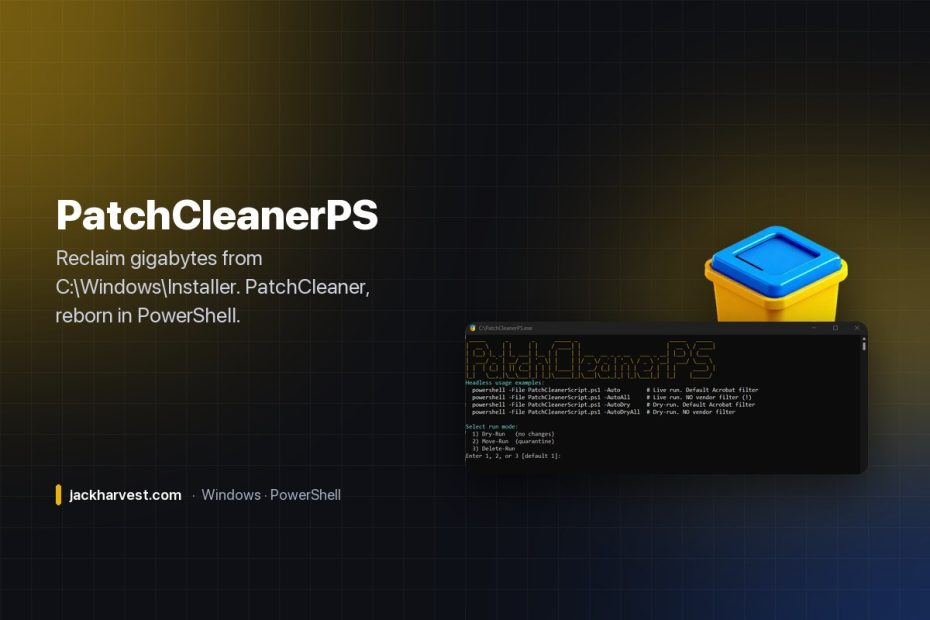

Go look at C:\Windows\Installer on a machine that’s been around a while. It’s a hidden folder full of .msi and .msp files, and a lot of them belong to software and patches that aren’t installed anymore — orphans, taking up gigabytes, that nothing will ever clean up for you.
For years the answer was John Crawford’s PatchCleaner from homedev.com.au. It’s retired now, so I rewrote the idea from scratch, entirely in PowerShell. PatchCleanerPS cross-references every installer file against what’s actually installed and flags the ones nothing points at.
Features

- Identifies orphaned
.msiand.mspfiles - Interactive and automatic modes
- A dry-run mode to preview exactly what would be affected
- A move mode that quarantines files instead of deleting them
- Vendor exclusions (e.g. leave everything from Microsoft and Adobe alone)
- Cleans up empty folders in
C:\Windows\Installerafterwards
Running it
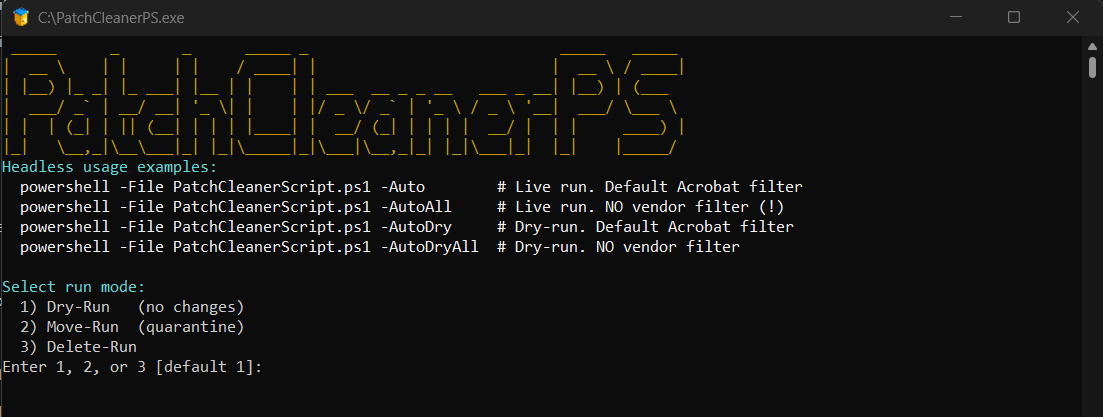
Run it as Administrator on Windows 10 or later, with PowerShell 5.1 or PowerShell Core. Either the script or the compiled .exe from Releases works the same way:
.\PatchCleanerPS.ps1            # interactive
.\PatchCleanerPS.ps1 -Auto      # prompts for each orphan

# Preview, no prompts, leaving Microsoft and Adobe installers alone
.\PatchCleanerPS.ps1 -AutoDryAll -ExcludeVendors 'Microsoft','Adobe'| Parameter | What it does |
|---|---|
-Auto | Delete orphaned files, prompting for each one |
-AutoAll | Delete all orphaned files without prompting |
-AutoDry | Dry run, with confirmation prompts |
-AutoDryAll | Dry run, no prompts |
-ExcludeVendors | Skip files from the vendors you list |
Safety first
Deleting system installers is serious business, so: every file is cross-referenced against installed applications and patches in the registry, the dry run shows you everything before anything changes, move mode lets you quarantine rather than delete, and vendor exclusions keep the big names untouched.
Built for deployment
The compiled .exe mirrors the script and supports silent parameters, which makes it easy to push through SCCM, Intune, PDQ Deploy or any RMM. The README includes a ready-made script for SCCM’s Scripts feature that pulls the latest release from GitHub, runs a -AutoDryAll headlessly, and returns the report — so you can see how much space is recoverable across a fleet before you touch a single machine.
MIT licensed. Inspired by the retired PatchCleaner by John Crawford; rewritten from scratch in PowerShell. Pull requests, bug reports and enterprise deployment tips are all welcome.
Free and open source, and it’s staying that way. If it saved you some time, you can buy me a coffee.