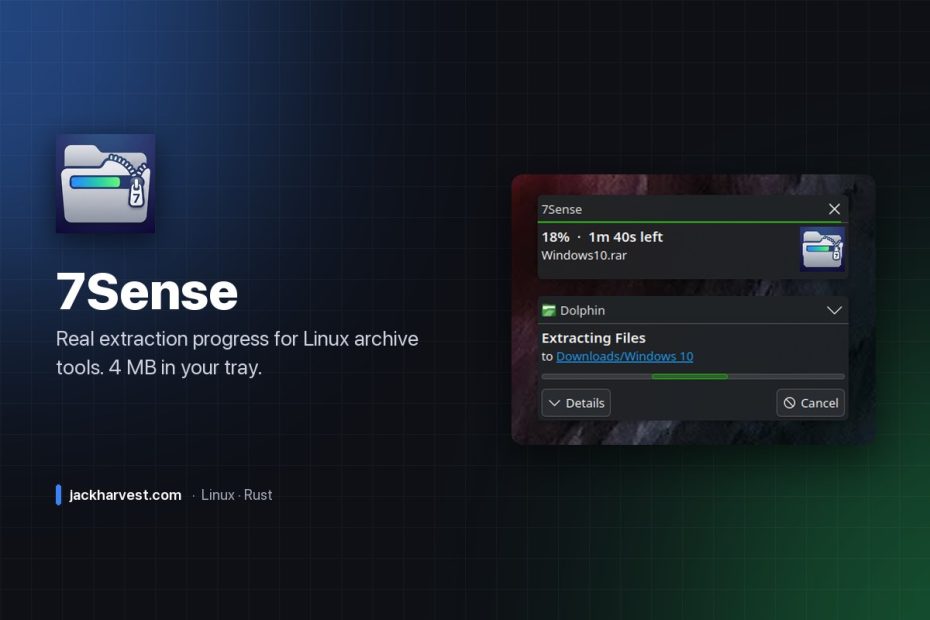
Your archive tool has known the percentage the whole time. It just wasn’t telling you.
Extract a big .rar or .7z on Linux and you usually get a spinner, or a bar that sits at nothing and then jumps to done. 7Sense sits quietly in your system tray and watches for archive extractions. When one starts, it pre-scans the archive for its total uncompressed size, watches the destination folder grow in real time, and turns that into an actual percentage — with time remaining and the file being extracted.
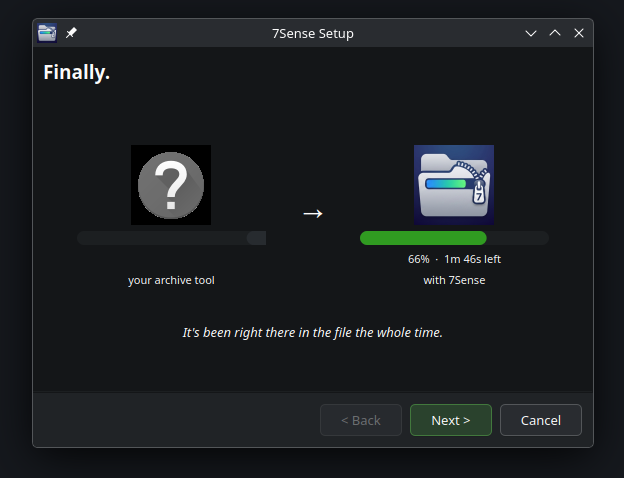
It works alongside whatever you already use. No patches to Ark, File Roller or anything else, no elevated permissions to run, and uninstalling is deleting one .desktop file.
What it looks like
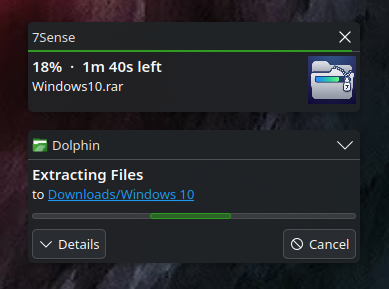
The look adapts to your desktop — KDE, GNOME, Xfce, whatever you’re running, it fits in.
Embarrassingly small

That’s it up there. The whole app. The daemon is written in Rust and idles at about 4 MB of RAM with a 1.3 MB binary. No Electron, no embedded browser, no 200 MB Python runtime parked in your tray for the rest of your session just to watch a folder grow. Three threads total.
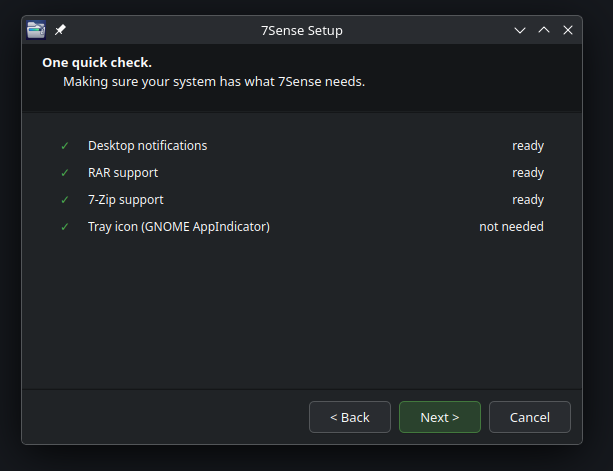
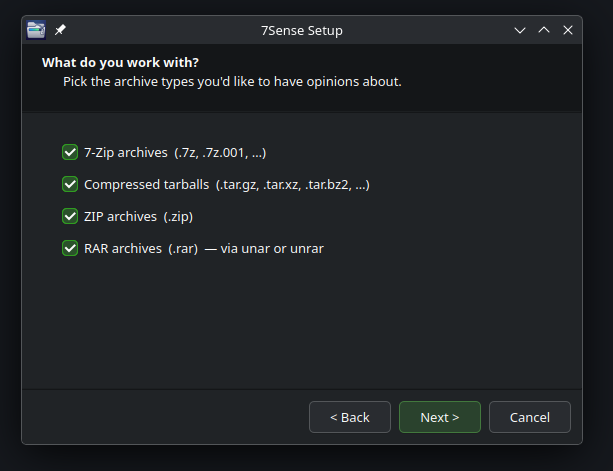
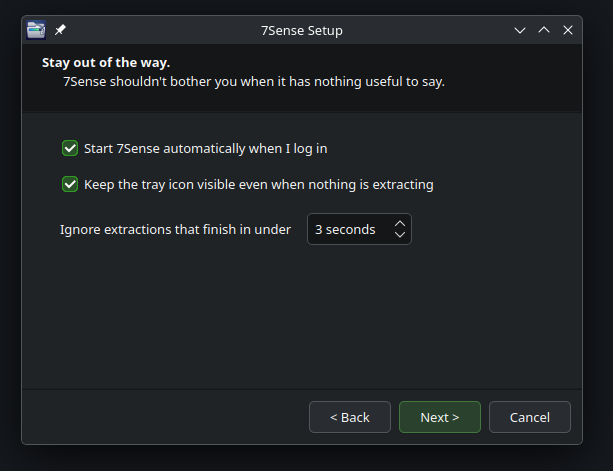
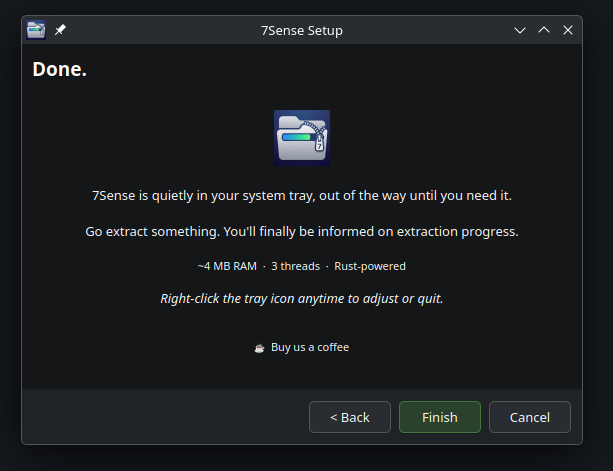
Setup takes ten seconds
Getting it
On Debian, Ubuntu or Mint, add the apt repository once and get updates forever with sudo apt upgrade:
curl -fsSL https://jackharvest.github.io/7sense/gpg.key | sudo gpg --dearmor -o /etc/apt/keyrings/7sense.gpg
echo "deb [signed-by=/etc/apt/keyrings/7sense.gpg arch=amd64] https://jackharvest.github.io/7sense stable main" | sudo tee /etc/apt/sources.list.d/7sense.list
sudo apt update
sudo apt install 7sense
There are also .deb, .rpm (Fedora/RHEL/openSUSE), .pkg.tar.zst (Arch/Manjaro) and a generic .tar.gz on the Releases page.
What it watches
| Archive | Tools detected |
|---|---|
.7z | 7z, 7zz |
.tar.gz / .tgz | tar, bsdtar |
.tar.xz / .txz | tar, bsdtar |
.zip | unzip |
.rar | unar, unrar |
How it works
- Watches
/procfor archive tool processes by name. - Pre-scans the archive for the total uncompressed size — header reads only, no decompression. (For
.gz, the size is in the stream’s last four bytes;.xzusesxz --list;.zipusesunzip -l;.7zand.raruse7z l -slt.) - Measures the destination folder growing as files come out.
- Reports the ratio as a real percentage, about every 1.5 seconds.
Settings (formats, whether the tray icon stays visible, and a minimum extraction time so tiny archives don’t pop a notification) live in ~/.config/7sense/config.json and take effect without a restart. MIT licensed.
Free and open source, and it’s staying that way. If it saved you some time, you can buy me a coffee.