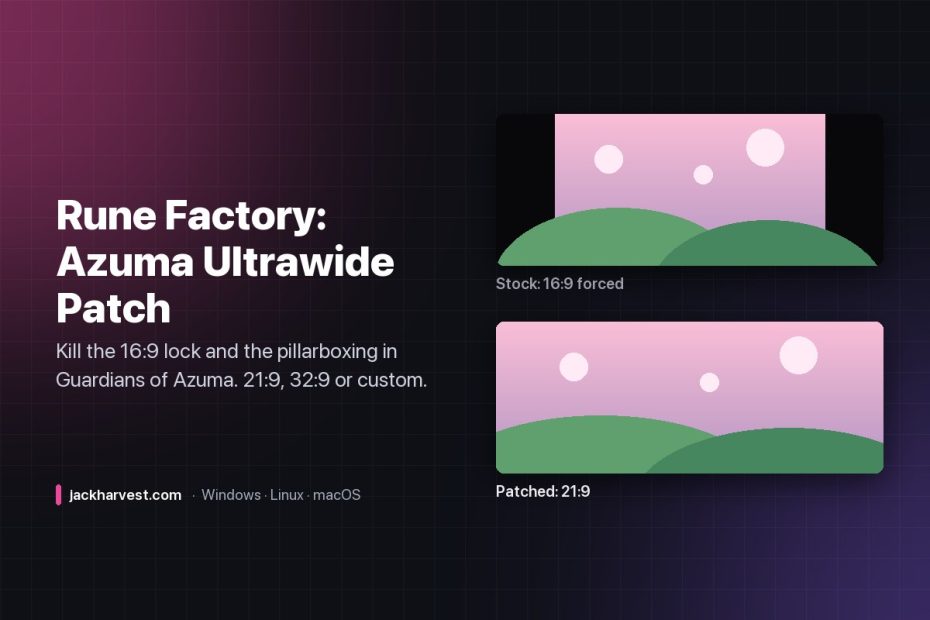
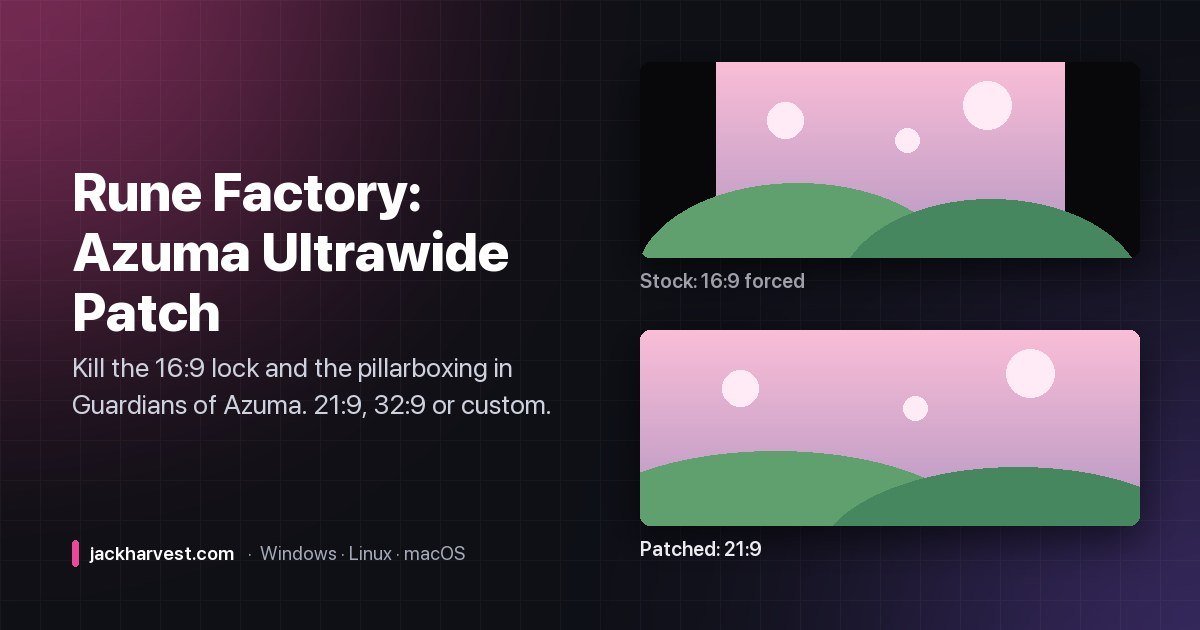
Rune Factory: Guardians of Azuma will happily let you select 3440×1440 in its graphics menu. Then it draws the game in a 16:9 box in the middle of your ultrawide anyway, with permanent black bars down both sides. That’s not a resolution bug — it’s a hardcoded aspect-ratio lock, and this patcher takes it out.
What it fixes
- The 16:9 lock. The engine’s camera has
bConstrainAspectRatioset to 1.7777 (16:9). The patcher finds that float constant in the shipping executable and replaces it with your ratio. - The supersampling side-effect. After patching, the game’s resolution picker would choose a supersampled render target on first launch — 4644×1944 on a 3440×1440 monitor, 135% of native. It looked right, but your GPU was doing a lot more work than it needed to. The patcher resets
GameUserSettings.inito native. - The shop letterbox. Opening the blacksmith, cooking bench, carpenter, medicine or reinforce UI plays a camera animation that slides black bars back in. Version 1.2 clamps it so the bars never appear.
Features
- Presets for 21:9 (3440×1440, 2560×1080) and 32:9 (5120×1440, 3840×1080), or enter any custom width × height.
- Safe backups — it makes a
.bakof the original executable and always patches from that clean copy, so re-running is always safe. - Revert anytime to the original 16:9 executable.
- Read-only lock on the patched executable so it isn’t overwritten on launch.
- Automatic ini repair across Windows and every common Wine/Proton/Bottles/CrossOver/Whisky path — also available on its own if that’s all you need.
How to use it
All you need is Python 3.7+ (already there on Linux and macOS).
- Windows: drop
rune_factory_azuma_ultrawide_patcher.pyintogame\Game\Binaries\Win64\next to the executable, then double-click it or run it withpython. - Linux (Steam/Proton/Bottles): copy it into the game’s
Binaries/Win64/folder,chmod +xit and run it. It finds the ini file for you. - macOS (CrossOver/Whisky): right-click the game → Show in Finder, go to
game/Game/Binaries/Win64/, and run it from Terminal there.
Pick 1 for 21:9, 2 for 32:9 or 3 for custom, launch the game, set your native resolution in Graphics Settings, and enjoy the whole screen.
Technical details
The executable contains two slightly different float32 encodings of 16:9 (compiler rounding), and 12 occurrences in total, falling into four groups: camera/viewport initializers (the main fix), a runtime aspect-ratio override (the UI transitions), resolution selection (the source of the supersampling bug), and a static data table.
| Ratio | Bytes (little-endian) | Float |
|---|---|---|
| 16:9 (pattern 1) | 39 8E E3 3F | 1.77777779 |
| 16:9 (pattern 2) | 3B 8E E3 3F | 1.77777803 |
| 21:9 (3440×1440) | 8E E3 18 40 | 2.38888… |
| 32:9 (5120×1440) | 39 8E 63 40 | 3.55555… |
The shop fix is an 18-byte patch to the camera’s per-frame tick: instead of letting the animation write a shrinking ratio down to 1.7778, a maxss clamps it to the 21:9 constant already sitting in .rdata. The animation still runs internally; the camera just never drops below ultrawide.
Known limitations
- World map skew: the in-game world map can look skewed at ultrawide — its coordinate math is authored for 16:9 and never touches the letterbox system. Still investigating.
- Game updates may overwrite the executable. Just re-run the patcher.
- Saves are unaffected.
MIT licensed. The same technique should apply to other Unreal Engine 5 games with a hardcoded 16:9 lock.
Free and open source, and it’s staying that way. If it saved you some time, you can buy me a coffee.