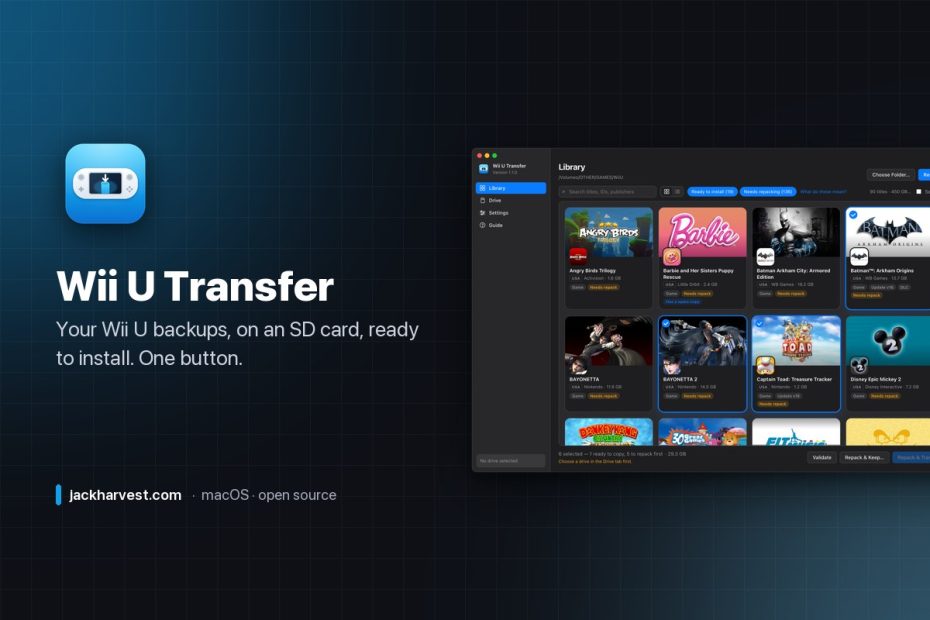
Wii U USB Helper used to be how everyone got games onto a modded Wii U. It’s been dead for years, it only ever ran on Windows, and half of what it did — downloading from Nintendo — is gone anyway.
The other half is still useful: look at a folder of backups, make sense of it, and get the right files onto a card the console can install from. So I rebuilt that half, for the Mac. Point it at your backups, pick some games, press Transfer. It figures out what each game needs, repacks the ones that need repacking, copies everything to the card, and checks every file on the way.

Your library, the way you remember it
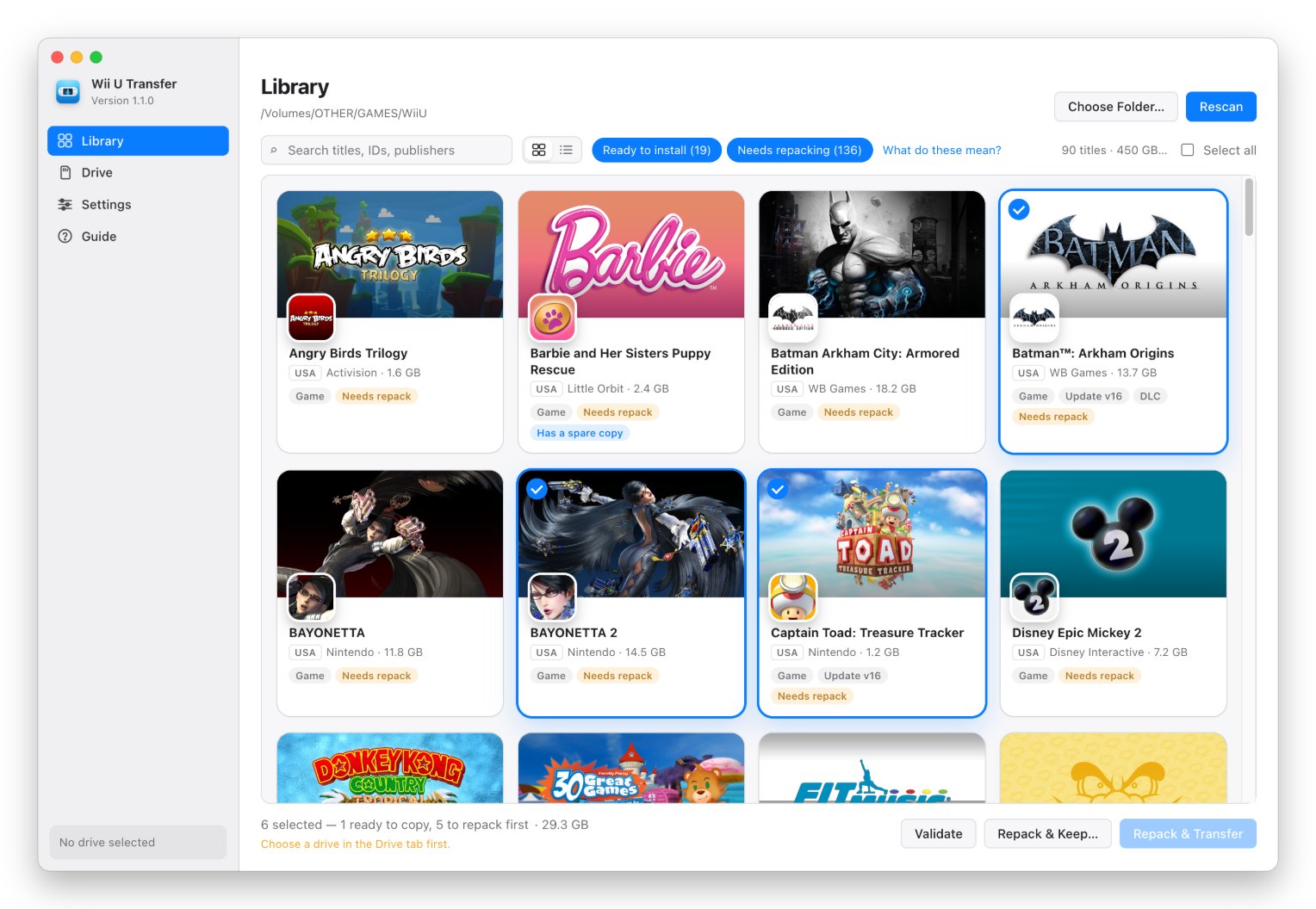
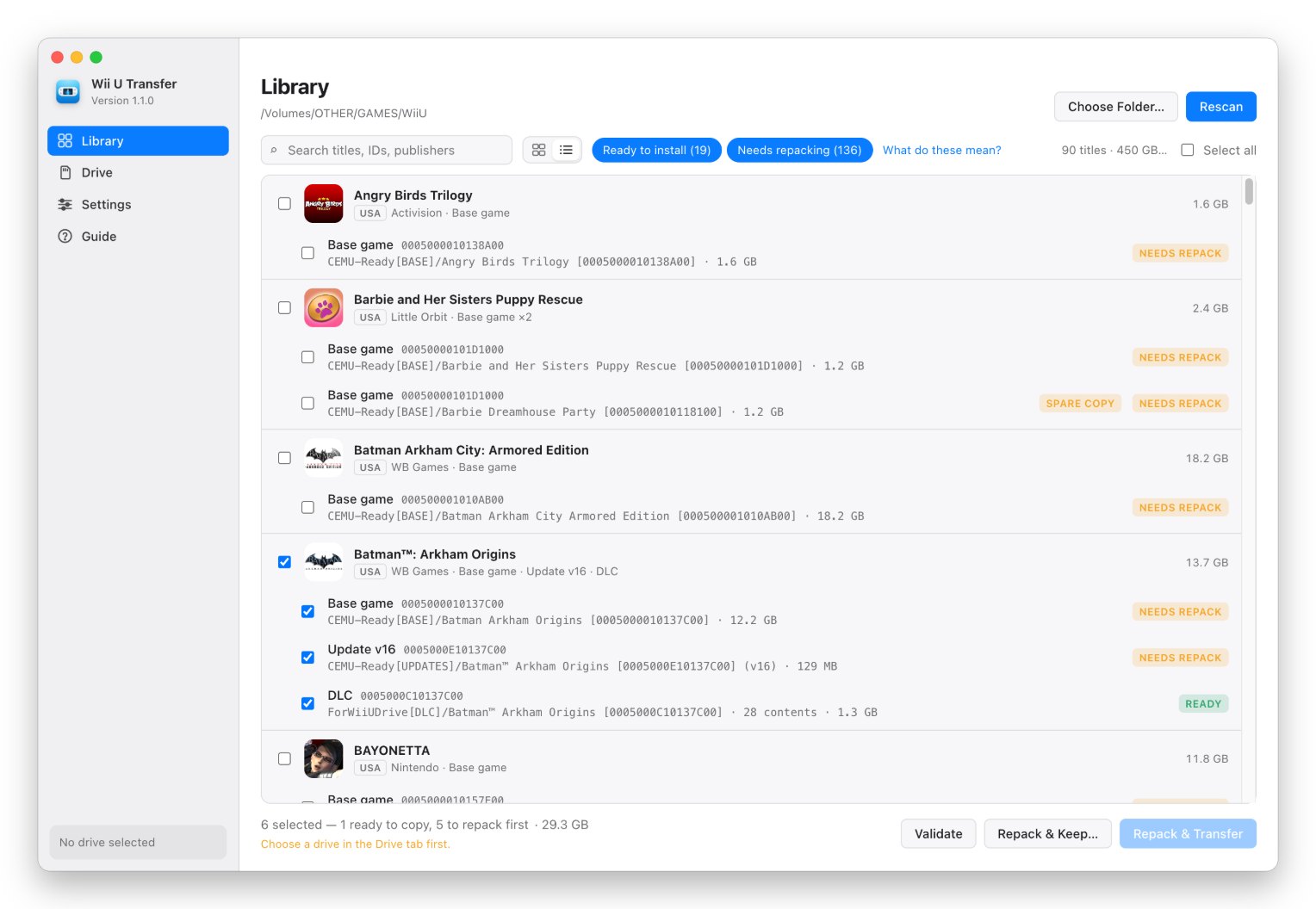
Every game shows its own boot screen artwork and HOME Menu icon — and none of it comes from the internet. It’s read straight out of each game’s own files. Click a poster to select the whole game (base, update and DLC), and the bar at the bottom tells you what’s about to happen and whether it fits on your card.
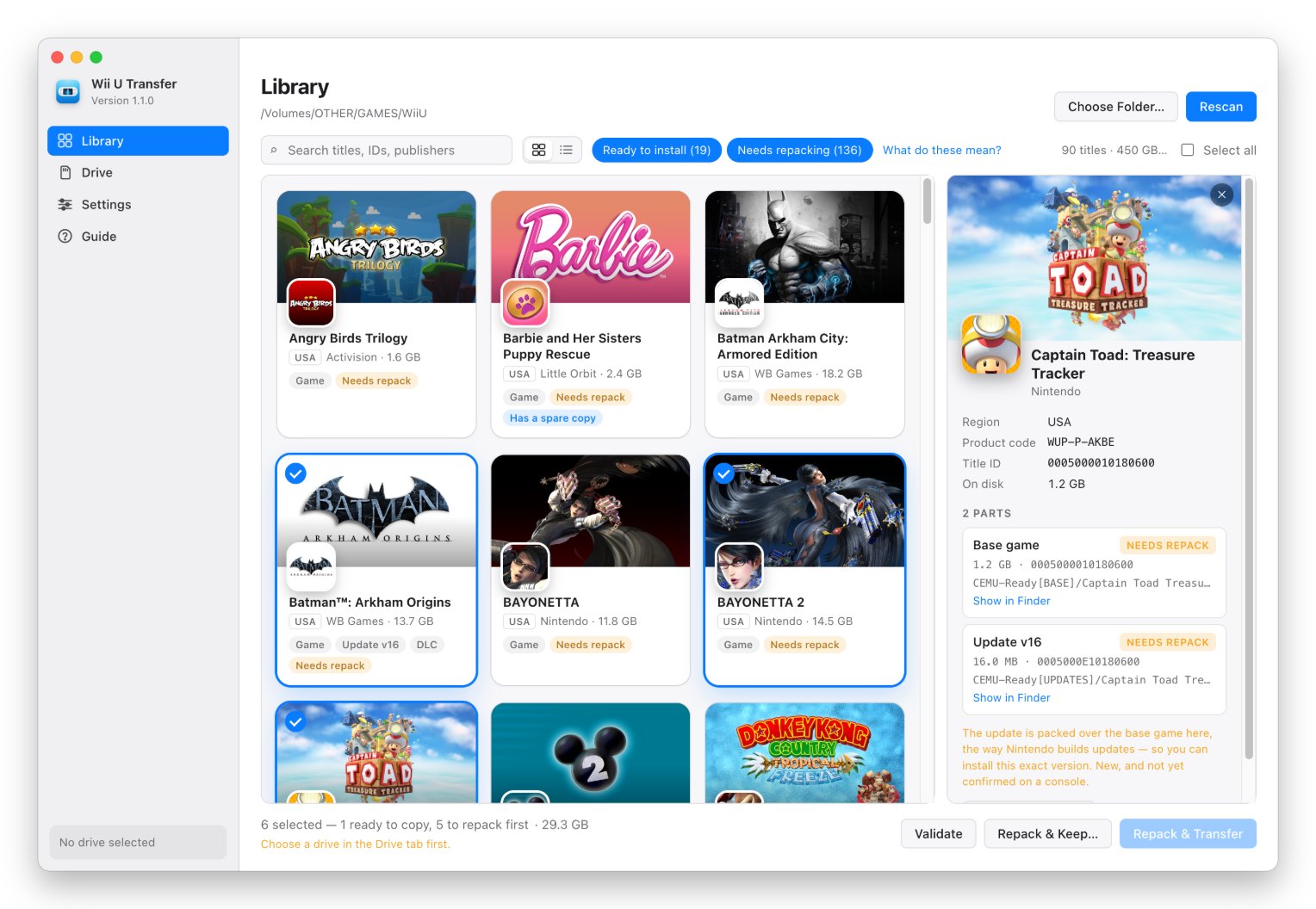
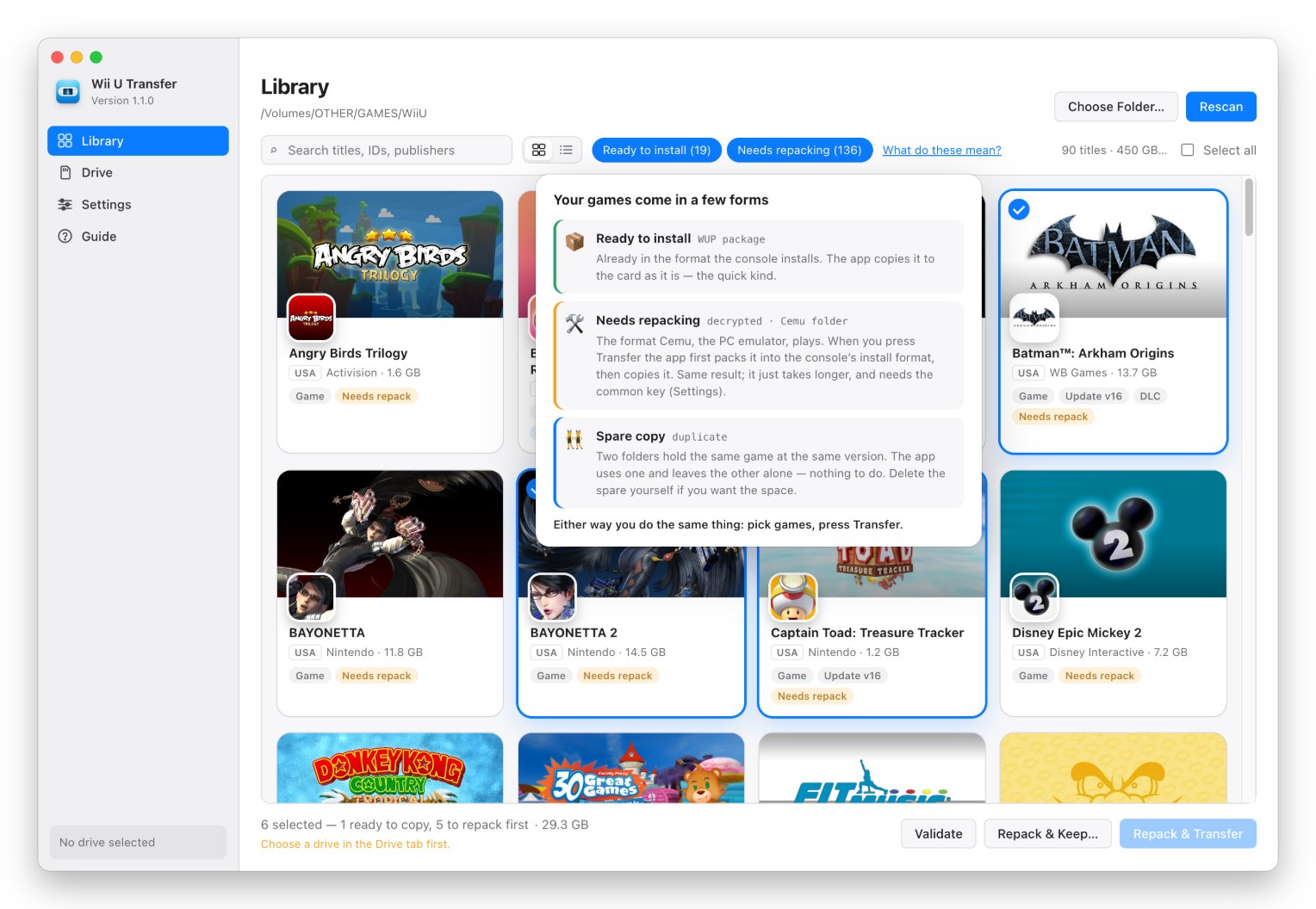
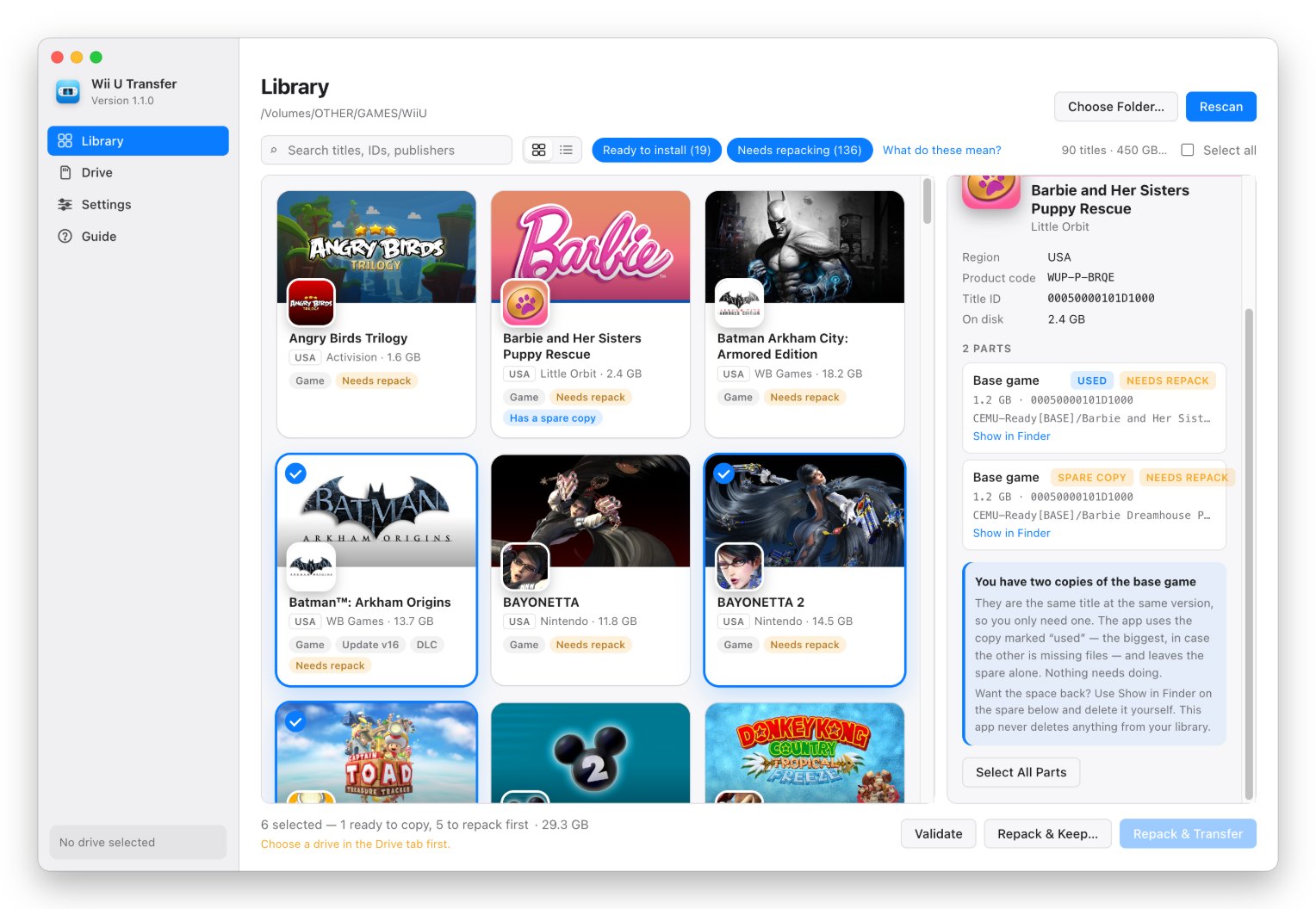
Community folks know “WUP” and “decrypted.” Everyone else gets Ready to install and Needs repacking. Either way you do the same thing: pick games, press Transfer. And if your NAS has two copies of the same game (big libraries always do), it picks the better one, leaves the spare alone, and never sends the same game twice. It never deletes anything from your library, because your NAS might be the only copy you have.
Every copy gets checked
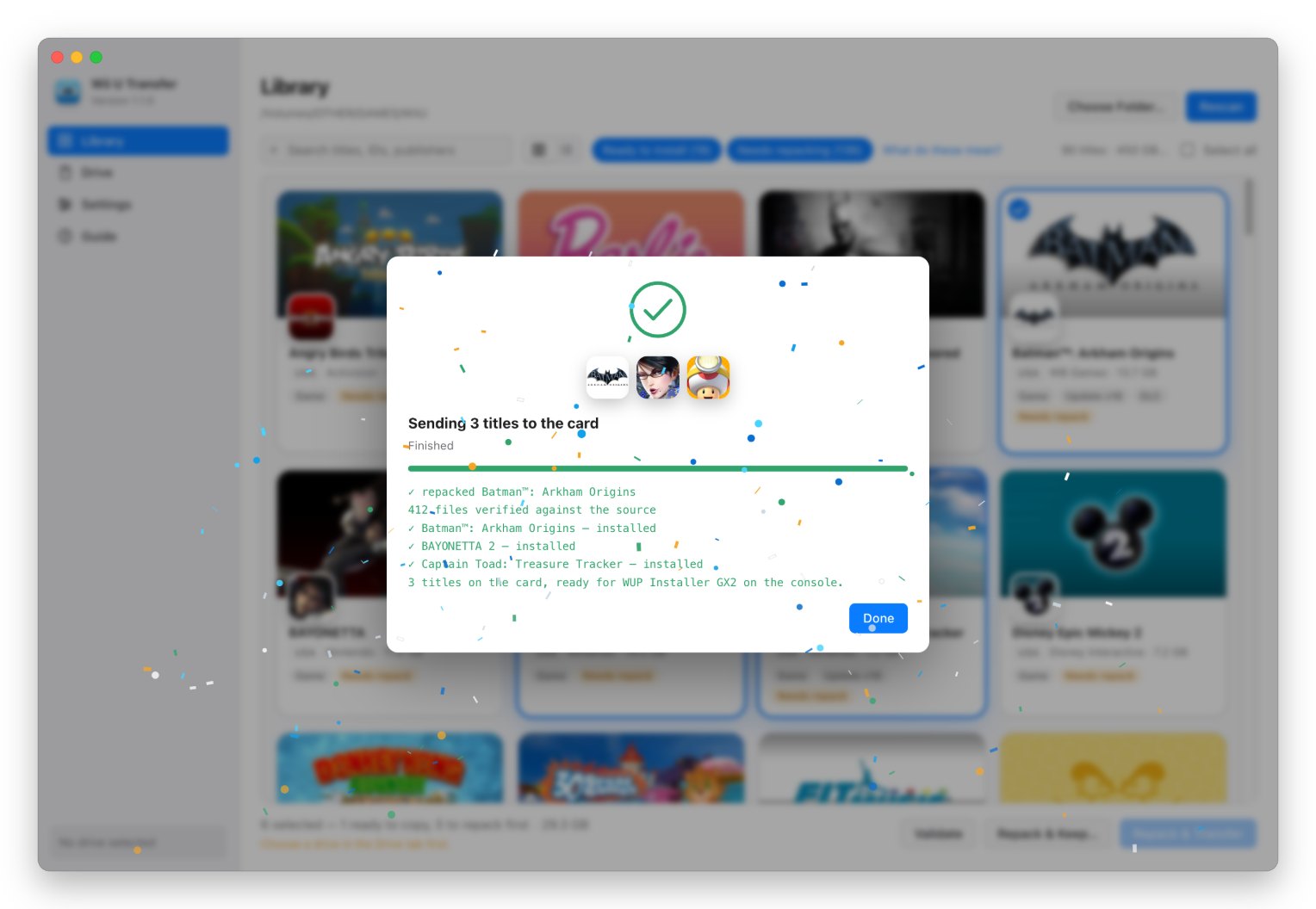
Copies are staged in a .partial folder and only renamed when complete, so an interrupted copy never leaves a half-written title for the installer to choke on. Every title is then re-validated on the card. When everything made it, you get a little celebration. If the window’s in the background you get a notification instead, and the Dock icon shows progress the whole way.
Getting started
- Download the latest
.dmg(mac-arm64for Apple Silicon,mac-x64for Intel) and drag the app into Applications. - First launch: it isn’t notarized by Apple yet, so macOS blocks it once. Open System Settings → Privacy & Security, scroll down, and click Open Anyway.
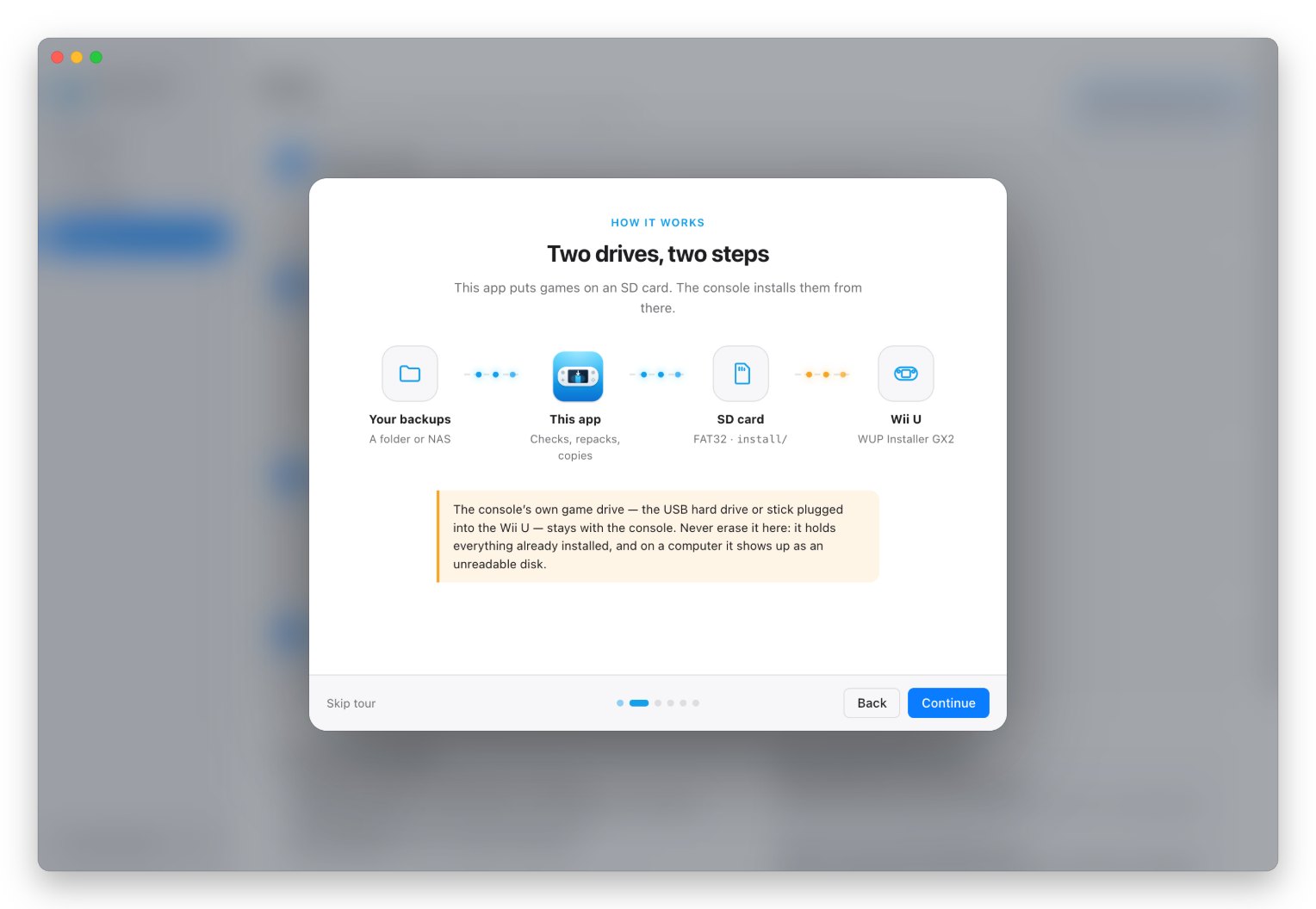
- Follow the welcome tour. It asks for the folder your backups live in (a NAS share is fine), the Wii U common key (only if you have decrypted Cemu folders — the app doesn’t ship one), and your SD card.
- Pick games and press Transfer.
- On the Wii U, open WUP Installer GX2 and install what’s in
install/.
What you need
- A Mac — Apple Silicon or Intel — and your backups in a folder somewhere.
- An SD card formatted FAT32 with an MBR partition table. Most cards over 32 GB ship as exFAT, which the Wii U can’t read. The app’s Drive tab can erase and prepare a card properly. (Don’t name it
wiiu— some homebrew gets confused by that.) - On the Wii U: the Aroma environment with signature patches, and WUP Installer GX2 in
wiiu/apps/. If you haven’t set that up, wiiu.hacks.guide is the guide everybody uses. - The common key, only for decrypted folders (the format Cemu plays). Packages that are already installable need no key at all. It’s checked against a known hash, so a typo can’t turn into 40 GB of garbage.
It keeps itself up to date
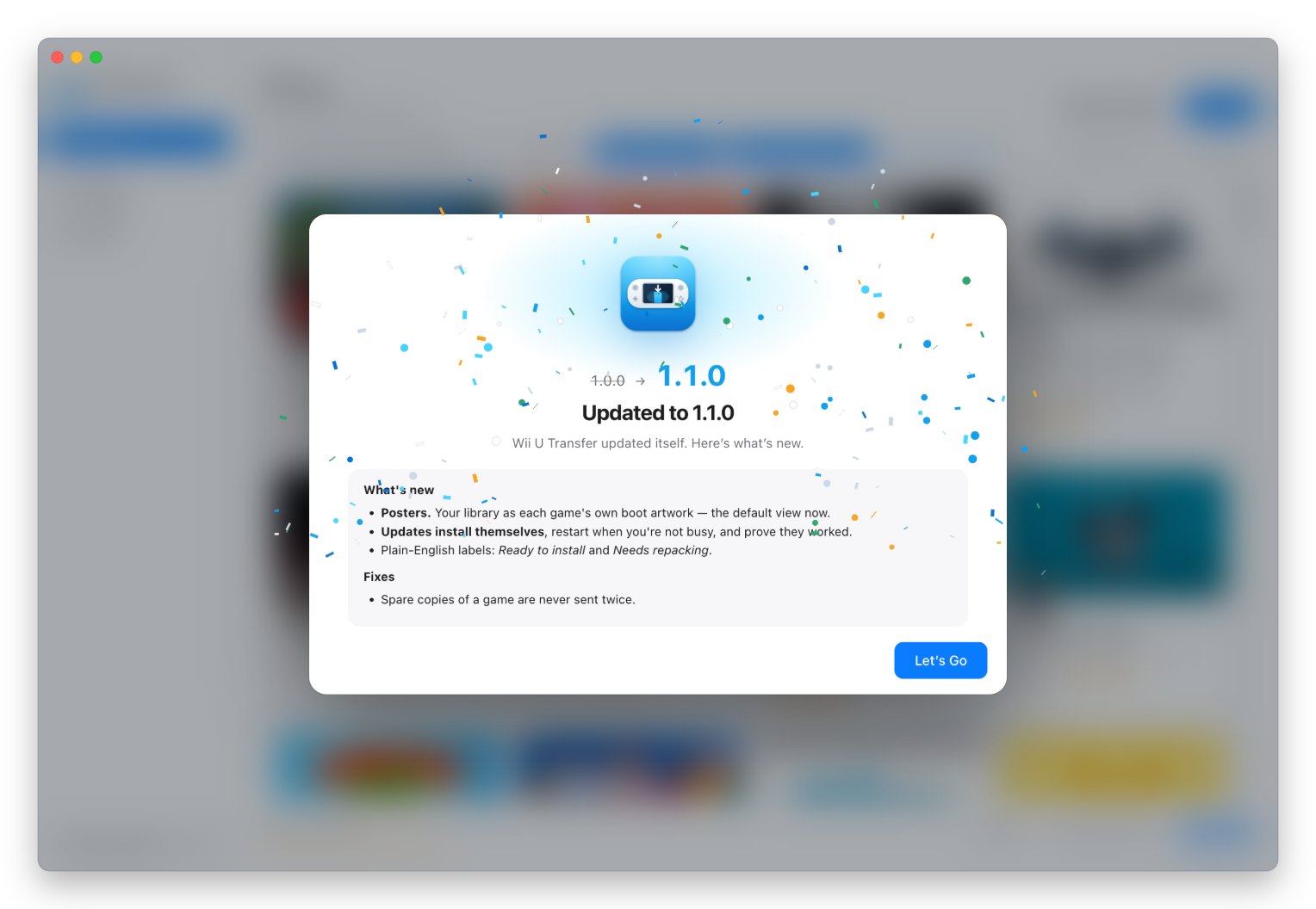
New versions download in the background, get checked against the SHA-512 in the release manifest, wait until you’re not in the middle of anything, and then restart. A tiny helper waits for the new version to report that it actually started — if it doesn’t within a minute, your old version is put back automatically. The only thing the app ever contacts on its own is the GitHub releases page, and nothing about you or your library is sent.
Under the hood
This is the part for people who want to know what’s actually happening. It looks at what a folder contains, not what it’s called: WUP packages (title.tmd, title.tik, title.cert) get copied as-is; decrypted folders (code/, content/, meta/) get repacked; .wud/.wux disc images are recognized. It skips NAS bookkeeping like Synology’s @eaDir and AppleDouble ._ files.
Repacking builds the FST, generates the TMD, encrypts the content with a full H0–H3 hash tree, and writes the ticket and certificate chain. Two details matter more than they look:
- The certificate chain. Every repack needs the genuine chain, so the app picks it up from any genuine package in your library — and refuses to make a package without it rather than hand you something the console will reject.
- Updates are packed over their base game. Nintendo’s update packages describe the whole game and flag every file they don’t ship as “not in this package.” Older tools packed the update folder alone, which installs fine and then hangs forever at the loading screen. Wii U Transfer writes those entries from the base game in your library — a rule measured against three genuine Nintendo updates (16,359 entries, zero exceptions).
Repacks are verified by decrypting them back the way the console does, checking every block’s hash, and comparing every file byte-for-byte against the source. Some numbers from my own library:
| Check | Result |
|---|---|
| Real Nintendo DLC packages validated | 19/19 clean |
| Sonic Lost World repacked (6.8 GB) | 57/57 files identical, installable |
| Wipeout 3 repacked | 137/137 identical, installable |
| Breath of the Wild v208 update, packed over its base | 22,643 files identical, 0 hash failures |
| Repacked base game on a real Wii U (Aroma, WUP Installer GX2) | ✅ installed and played |
And it sounds nice
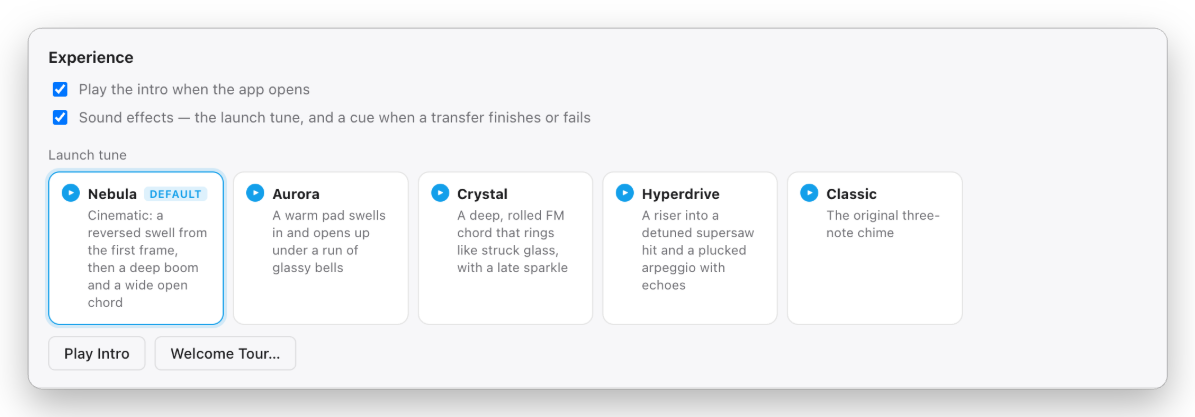
The intro has a launch tune, and there are a few to choose from. All of them are synthesized live by the app — there isn’t a single audio file in the repo. Prefer rows to posters? There’s a classic list view too, grouped by game with every part, title ID and folder.
Known gaps
- Disc images can’t be sent yet.
.wuxdecompression works, but pulling titles out needs the per-disc key. - Update repacks match Nintendo’s layout entry-for-entry offline, but haven’t been installed on real hardware yet. Base-game repacks are confirmed.
- Windows and Linux build from source but are untested.
Wii U Transfer is GPL-3.0, built on the formats documented by WiiUDownloader, CNUS_Packer/NUSPacker, Cemu, JNUSLib and WiiUBrew. It isn’t affiliated with Nintendo, it won’t download anything from Nintendo, and it’s meant for backups of games you own.
Free and open source, and it’s staying that way. If it saved you some time, you can buy me a coffee.
Wii U USB Helper had a good run. This is the part of it worth keeping.